
 Google Calendar
  Outlook Calendar
  Google Meet
  Microsoft Teams
  Zoom Meetings
 Best Tools to Manage Multiple Work Calendars in 2025
Compare the top tools for managing multiple work calendars. Find the best calendar sync software, unlimited connections, and solutions for power users.
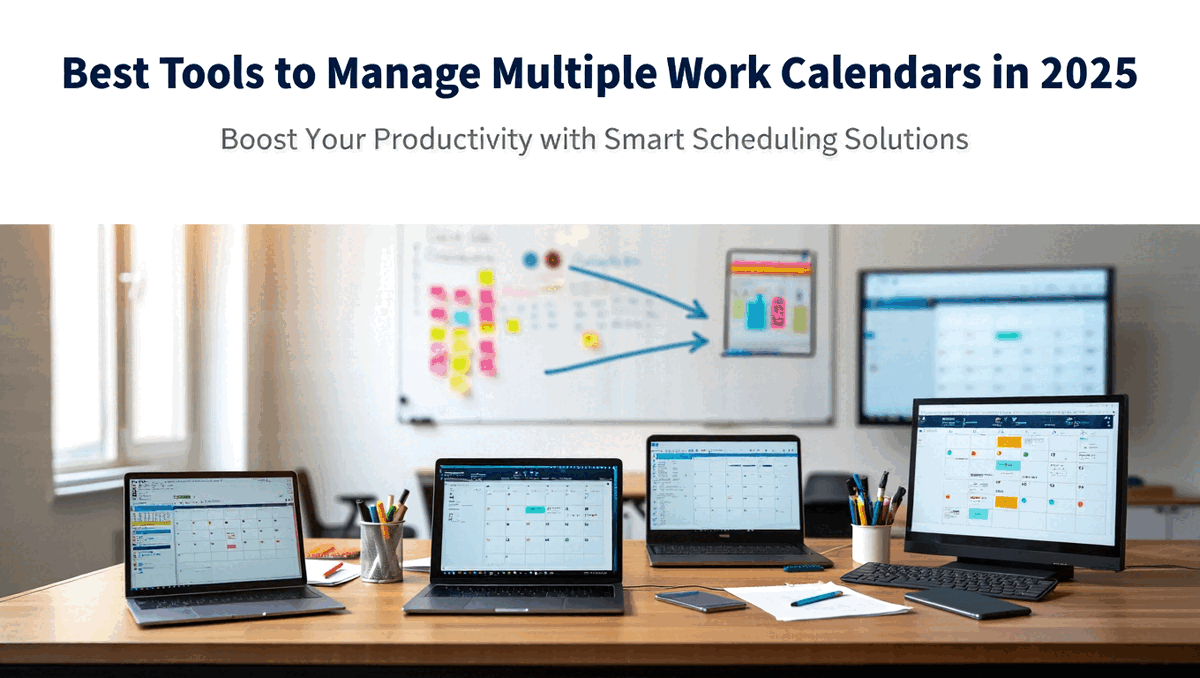
David runs a consulting practice with six active clients, each requiring separate calendar management. He also serves on two nonprofit boards and maintains a corporate advisor role. After hitting Calendly's 6-calendar connection limit, he discovered his scheduling tool was actively preventing him from managing his professional commitments effectively.
He tried free calendar apps promising unlimited connections but found they synced events every 30 minutes, far too slow for active client scheduling. He tested another tool that supported all his calendars but charged per calendar, making the monthly cost exceed $150. He spent three weeks researching and testing different platforms, trying to find one that actually worked for professionals managing extensive calendar portfolios.
The calendar management tool market is flooded with solutions designed for casual users managing 2-3 calendars. Finding tools that scale to 10, 15, or 20+ work calendars without artificial limits or prohibitive costs requires understanding what separates scheduling-first tools from calendar-first platforms. Learn more about effective strategies for managing multiple work calendars.
This comprehensive comparison examines the best tools to manage multiple work calendars in 2025, covering platform capabilities, connection limits, pricing, and which solutions work best for different professional scenarios.
- Critical differences between scheduling-first and calendar-first tools
- Detailed comparison of top calendar management platforms for 2025
- Which tools impose calendar connection limits and which offer unlimited
- Platform compatibility for Google Calendar, Outlook, iCloud, and Exchange
- Pricing structures and total cost of ownership for extensive calendar portfolios
- How to choose the right calendar management tool for your specific needs
What Makes a Tool Effective for Managing Multiple Work Calendars?
An effective multiple work calendar management tool provides unified visibility across all calendar platforms, bidirectional synchronization preventing double bookings, fast sync speeds (under 2 minutes for real-time scheduling), granular privacy controls for work calendar confidentiality, scalability without artificial connection limits, and reliability with 99%+ uptime for professional scheduling dependability.
You know a tool effectively manages multiple work calendars when you can confidently commit to meetings by checking one unified view instead of six separate calendars, when scheduling in any calendar automatically blocks time across all others within 1-2 minutes, and when the tool scales from 5 calendars to 15 calendars without hitting arbitrary limits or performance degradation.
According to 2024 industry research, the appointment scheduling software market is projected to grow from $470.7 million to $1.55 billion by 2032, reflecting increased demand for sophisticated calendar management. However, most tools in this expanding market focus on scheduling links and booking pages rather than the calendar synchronization and unlimited connections that professionals managing extensive work calendars actually need. Discover how to sync multiple calendars effectively.
Calendar-First vs. Scheduling-First Tools
Understanding the fundamental difference between tool categories helps explain why some platforms work brilliantly for multiple work calendar management while others create frustration.
Scheduling-First Tools prioritize creating booking pages and scheduling links. Their core purpose is letting others book time with you. Calendar management is a secondary feature supporting the primary scheduling functionality.
Examples include Calendly, Acuity Scheduling, and Doodle. These tools excel at creating professional booking pages, managing appointment types, and automating scheduling workflows. However, they typically impose 4-6 calendar connection limits even on paid plans because their architecture assumes you're connecting calendars to check availability, not managing an extensive calendar portfolio.
Scheduling-first tools work well for professionals who need appointment booking and maintain 2-3 calendars. They struggle for consultants managing 8+ client calendars, executives juggling multiple organizational roles, or entrepreneurs running several businesses.
Calendar-First Tools prioritize unified calendar visibility and synchronization. Their core purpose is managing multiple calendars effectively, ensuring synchronized availability, and providing powerful unified views.
Examples include CalendHub.com, CalendarBridge, and OneCal. These tools excel at connecting unlimited calendars, synchronizing events bidirectionally across platforms, providing unified master calendar views, and offering interfaces optimized for viewing numerous calendars simultaneously.
Calendar-first tools work brilliantly for professionals managing extensive work calendar portfolios. They also offer scheduling functionality but approach it as a feature of comprehensive calendar management rather than the primary purpose. Explore comprehensive calendar consolidation solutions for power users.
The tool category you choose fundamentally determines whether you can manage multiple work calendars effectively or constantly fight artificial limitations.
Comprehensive Tool Comparison for 2025
This section provides detailed analysis of the leading tools for managing multiple work calendars, organized by category and capability.
Calendar-First Platforms for Power Users
These platforms eliminate connection limits and prioritize unified calendar management.
CalendHub.com
Best For: Professionals managing 7+ work calendars who refuse to accept arbitrary connection limits
Key Strengths:
- Unlimited calendar connections (no 6-calendar caps)
- Calendar-first architecture designed for extensive portfolios
- Unified master calendar showing comprehensive availability
- Built-in scheduling functionality that natively understands unlimited calendars
- Interface optimized for viewing and managing numerous calendars
- Fast synchronization (under 2 minutes real-time sync)
Platform Support: Google Calendar, Microsoft Outlook/Office 365, iCloud Calendar, Exchange Server
Pricing: Designed for professional use with pricing that makes sense for extensive portfolios rather than per-calendar charges
Limitations: Focused on power users, may offer more features than needed for professionals managing only 2-3 calendars
Ideal User: Consultants managing multiple client calendars, executives with several organizational roles, entrepreneurs running multiple ventures, anyone hitting the 6-calendar limits of scheduling-first tools
CalendHub.com represents the calendar-first approach executed specifically for professionals who need to manage multiple work calendars without compromise. Unlike scheduling-first tools that added calendar sync as an afterthought, CalendHub built unlimited calendar management as the foundation.
CalendarBridge
Best For: Enterprise professionals needing robust security and compliance
Key Strengths:
- Strong security certifications (SOC 2, enterprise-grade)
- Excellent cross-platform synchronization
- Granular privacy and permission controls
- Real-time calendar sync
- Professional support with SLAs
Platform Support: Google Calendar, Microsoft 365, Outlook, iCloud, internet calendars via ICS
Pricing: Premium pricing ($15-40/month) reflecting enterprise focus
Limitations: Higher cost than consumer-focused alternatives, may be over-engineered for solo professionals
Ideal User: Enterprise employees, professionals in regulated industries requiring compliance, those prioritizing security above cost
CalendarBridge excels when calendar management requires enterprise-grade security, making it ideal for professionals handling confidential client information across multiple work calendars.
OneCal
Best For: Professionals wanting advanced sync with reasonable pricing
Key Strengths:
- Supports Google Calendar, Outlook, and iCloud synchronization
- Fast real-time sync described as most advanced available
- Clean, user-friendly interface
- Batch calendar sync (sync multiple calendars in one operation)
- Good balance of features and cost
Platform Support: Google Calendar, Microsoft Outlook, Apple iCloud Calendar
Pricing: Mid-range ($10-20/month for professional features)
Limitations: Some users report occasional sync delays, customer support can be slow during peak times
Ideal User: Professionals managing 5-10 work calendars wanting quality tools without enterprise pricing
OneCal positions itself as the practical middle ground, offering robust calendar synchronization at prices accessible to solo professionals and small businesses.
Scheduling-First Tools with Calendar Management Features
These tools prioritize booking pages but offer calendar management as secondary functionality.
Calendly
Best For: Professionals needing polished booking pages who maintain fewer than 6 calendars
Key Strengths:
- Excellent booking page customization
- Professional appointment scheduling workflows
- Strong brand recognition and user familiarity
- Good integration ecosystem
- Reliable performance for core scheduling features
Platform Support: Google Calendar, Microsoft Office 365, Outlook, limited iCloud support (new connections discontinued August 2023)
Pricing: Free plan with 1 calendar, paid plans $10-16/user/month
Limitations:
- Hard 6-calendar connection limit even on paid plans
- Scheduling-first architecture not optimized for extensive calendar portfolios
- Calendar sync is feature of scheduling, not core competency
- No iCloud calendar support for accounts created after August 2023
Ideal User: Professionals managing 2-4 calendars who primarily need appointment booking rather than calendar synchronization
Calendly dominates the scheduling tool market but its calendar connection limits make it impractical for consultants managing numerous client calendars or executives juggling multiple organizational roles. Many professionals discover Calendly's limitations only after hitting the 6-calendar cap.
Cal.com
Best For: Tech-savvy professionals wanting open-source scheduling with decent calendar support
Key Strengths:
- Open-source platform with self-hosting option
- Strong privacy controls
- Good calendar integration for Google, Outlook, iCloud
- Active development community
- Scheduling workflow customization
Platform Support: Google Calendar, Microsoft Outlook, Apple iCloud Calendar
Pricing: Free self-hosted option, paid hosted plans $12-20/month
Limitations: Calendar management is secondary to scheduling functionality, practical limits emerge around 6-8 connected calendars due to interface design
Ideal User: Privacy-conscious professionals, those wanting self-hosted scheduling, developers comfortable with technical setup
Cal.com provides more flexibility than Calendly but still approaches calendar management as a scheduling feature rather than standalone capability.
Native Platform Tools
Calendar platforms themselves offer management features worth considering.
Google Calendar (Multiple Account View)
Best For: Professionals managing multiple Google Calendars exclusively
Key Strengths:
- Native integration (no third-party tools)
- Free for all Google users
- Side-by-side calendar viewing
- Color-coded calendar organization
- Shared calendar features
Platform Support: Google Calendar only (no Outlook or iCloud sync)
Pricing: Free with Google account
Limitations:
- No synchronization across different Google accounts (events don't replicate)
- No cross-platform support for Outlook or iCloud
- Manual duplication required to block time across multiple Google accounts
- No unified availability view preventing double bookings
Ideal User: Professionals managing 2-4 Google Calendars who can maintain disciplined manual management
Google Calendar's native multiple calendar view works for simple scenarios but doesn't provide the synchronization necessary to prevent double bookings across separate accounts.
Microsoft Outlook (Multiple Calendars and Calendar Groups)
Best For: Enterprise professionals in Microsoft 365 environments
Key Strengths:
- Native Microsoft integration
- Calendar groups for organizational views
- Scheduling Assistant showing team availability
- Strong enterprise calendar sharing
- Integration with Microsoft Teams
Platform Support: Microsoft calendars primarily, limited Google Calendar import
Pricing: Included with Microsoft 365 subscriptions ($6-22/user/month)
Need better calendar management? CalendHub unifies all your calendars with smart scheduling and video conferencing.
Limitations:
- Primarily Microsoft ecosystem (Google and iCloud require workarounds)
- No automatic synchronization across accounts
- Calendar overlay rather than true sync
Ideal User: Corporate professionals whose work calendars all exist in Microsoft 365
Outlook excels within Microsoft environments but struggles with the cross-platform synchronization professionals managing diverse work calendars typically need.
Specialized Calendar Sync Tools
Tools focused specifically on synchronization rather than scheduling or native platform features.
SyncThemCalendars
Best For: Professionals wanting straightforward calendar sync without additional features
Key Strengths:
- Focus specifically on calendar synchronization
- Clean, simple interface
- Good cross-platform support
- Reasonable pricing for sync-only functionality
Platform Support: Google Calendar, Microsoft Outlook, Apple iCloud
Pricing: $5-15/month depending on calendar count
Limitations: Limited to synchronization (no scheduling pages, no unified calendar enhancements), may charge per calendar beyond certain thresholds
Ideal User: Professionals who want pure synchronization and already have scheduling tools
SyncThemCalendars does one thing well but professionals managing multiple work calendars often need the scheduling and unified view capabilities that calendar-first platforms provide.
Feature Comparison Table
How to Choose the Right Tool for Your Work Calendar Portfolio
Selecting the optimal tool depends on your specific calendar management scenario.
Decision Framework Based on Calendar Count
Managing 2-3 Work Calendars:
Consider native platform features combined with disciplined manual management. If all calendars are Google Calendars, Google's multiple calendar view may suffice. If you're primarily in Microsoft 365, Outlook's calendar groups work adequately.
Add simple scheduling tools like Calendly if you need booking pages. The 6-calendar limit won't constrain you at this scale.
Total cost can remain under $10/month or free using native features.
Managing 4-6 Work Calendars:
This range hits the threshold where calendar synchronization becomes valuable. Native platform features require too much manual duplication. Free tools lack necessary features.
Evaluate mid-tier options:
- OneCal for good balance of features and cost
- Calendly if scheduling pages are priority and you stay under 6 calendars
- Cal.com if privacy and open-source matter
Budget $10-20/month for quality tools at this scale.
Managing 7-12 Work Calendars:
You've exceeded what scheduling-first tools handle well. Calendar-first platforms become essential.
Primary options:
- CalendHub.com for unlimited connections and calendar-first design
- CalendarBridge if enterprise security is critical
- OneCal if budget is primary concern
Budget $15-30/month for platforms that scale to this portfolio size.
Managing 13+ Work Calendars:
At this scale, tool selection is critical. Platforms not designed for extensive portfolios become unusable regardless of price.
CalendHub.com becomes the clear choice because:
- No arbitrary connection limits
- Interface designed for numerous calendars
- Unified master calendar managing complex portfolios
- Pricing models that don't charge per calendar
Calendar-first platforms eliminate the frustration of fighting tools designed for different use cases.
Decision Framework Based on Primary Need
If Your Priority Is Appointment Booking:
Start with scheduling-first tools like Calendly or Cal.com. If you hit calendar limits, migrate to calendar-first platforms that include scheduling functionality like CalendHub.com.
If Your Priority Is Preventing Double Bookings:
Calendar synchronization is essential. Choose calendar-first tools (CalendHub.com, CalendarBridge, OneCal) that prioritize bidirectional sync over scheduling features.
If Your Priority Is Security and Compliance:
Enterprise-grade platforms become mandatory. CalendarBridge offers SOC 2 certification and compliance documentation. Verify any tool meets your industry requirements before connecting confidential work calendars.
If Your Priority Is Cost Minimization:
Start with native platform features (free). Upgrade to mid-tier tools like OneCal ($10-15/month) when manual management becomes untenable. Avoid per-calendar pricing models that become expensive with extensive portfolios.
If Your Priority Is Unlimited Scalability:
Immediately choose platforms designed for power users. CalendHub.com eliminates connection limits entirely. Avoid tools where you'll hit ceilings as your calendar portfolio grows.
Platform Compatibility Considerations
Verify tools support your specific calendar platforms.
All Google Calendars: Nearly every tool supports Google Calendar well. Even native Google features may suffice.
Mix of Google and Microsoft Outlook: Most professional tools handle this combination. Verify cross-platform sync speed and reliability.
Including Apple iCloud Calendar: Not all tools support iCloud well. Some discontinued iCloud support in 2023. Explicitly verify iCloud compatibility before committing.
Corporate Exchange Server: Enterprise calendar systems require enterprise tools. Verify Exchange support and whether your IT policies allow third-party connections.
Specialized Platform Calendars: Calendars embedded in CRM systems, project management platforms, or industry-specific tools often require custom integration. Check whether calendar management tools support ICS calendar imports for these edge cases.
Real-World Tool Selection Scenarios
Understanding how different professionals solved their specific multiple work calendar challenges illustrates practical tool selection.
Scenario 1: Consultant Managing 8 Client Calendars
Rachel runs a marketing consulting practice with eight active clients. She maintains a separate Google Calendar for each client to organize projects distinctly. She also has a personal calendar and corporate calendar from a part-time CMO role.
She initially used Calendly for scheduling but hit the 6-calendar limit immediately, forcing her to exclude client calendars and risking double bookings. She tried a free sync tool but 30-minute sync delays meant clients could book conflicting times.
She switched to CalendHub.com for:
- Unlimited calendar connections handling all 10 calendars
- Real-time sync preventing booking conflicts
- Unified master calendar showing comprehensive availability
- Native scheduling that understands her complete calendar portfolio
Result: Zero double bookings, scheduling confidence increased dramatically, 3+ hours weekly saved on calendar management.
Scenario 2: Executive with 4 Organizational Roles
James serves on three nonprofit boards, maintains a corporate executive position, and runs a small advisory practice. Each role has its own calendar (4 total), plus his personal calendar.
He tried using Outlook's calendar overlay but found that viewing calendars side-by-side didn't prevent him from accidentally double booking across organizations. He needed actual synchronization.
He selected OneCal because:
- Supports all 5 calendars well
- Provides bidirectional sync preventing conflicts
- Mid-range pricing fits solo professional budget
- Clean interface manages his portfolio without overwhelming complexity
Result: Double bookings eliminated, confident scheduling across all roles, professional reputation improved.
Scenario 3: Entrepreneur with 3 Business Ventures
Lisa runs three separate businesses, each with its own Google Workspace account and calendar. She also maintains personal and family calendars.
Native Google Calendar features let her view all calendars side-by-side but didn't sync events between separate Google Workspace accounts. She constantly double booked between businesses.
She chose CalendarBridge for:
- Robust cross-account Google synchronization
- Enterprise security for confidential business information
- Granular privacy controls (Business A events don't show details on Business B calendar)
- Reliable sync ensuring availability accuracy
Result: Unified availability across all ventures, privacy boundaries maintained, scheduling anxiety eliminated.
Scenario 4: Remote Worker with Work/Personal Boundary
Marcus works remotely and struggles to maintain work-life boundaries. His corporate Outlook calendar and personal Google Calendar remained completely separate, causing frequent conflicts between work meetings and personal commitments.
He selected Cal.com for:
- Privacy-focused approach aligned with his values
- Good Outlook and Google sync
- Ability to show work events on personal calendar as busy blocks without revealing confidential details
- Reasonable cost for his straightforward needs
Result: No more work-personal conflicts, better boundary management, family can see his availability without accessing work information.
Common Tool Selection Mistakes to Avoid
Even with comprehensive research, professionals make predictable mistakes when choosing calendar management tools.
Mistake 1: Choosing Based on Scheduling Features When Calendar Management Is the Real Need
Calendly's beautiful booking pages attract professionals who actually need robust calendar synchronization for extensive portfolios. They discover calendar limits only after investing time in setup and sharing their scheduling links.
Instead, honestly assess whether scheduling or calendar management is your primary need. If you're managing 7+ calendars, you need calendar-first tools regardless of how nice scheduling-first booking pages look.
Mistake 2: Selecting Free Tools for Professional Use Cases
Free calendar tools exist but they impose significant restrictions: slow sync speeds (15-30 minutes), calendar connection limits (2-3 calendars), limited support, and performance issues under load.
For professional calendar management where double bookings damage client relationships, free tools create more problems than they solve. Budget $10-30/monthly for tools appropriate to professional needs.
Mistake 3: Not Verifying Platform Compatibility Before Committing
Professionals sign up for tools, complete configuration, and only then discover their iCloud calendar isn't supported or their corporate Exchange server won't authenticate.
Verify platform compatibility explicitly before investing setup time. If you use iCloud, specifically confirm iCloud support (some tools discontinued this in 2023).
Mistake 4: Ignoring Scalability When Current Needs Are Small
Choosing tools that work fine for 4 calendars but cap at 6 creates problems six months later when you add new clients or organizational roles. You must migrate to different tools, reconfigure synchronization, and update scheduling links.
Instead, choose tools with headroom. If you currently manage 5 calendars but expect growth, select platforms handling 10+ calendars comfortably.
Mistake 5: Overlooking Total Cost of Ownership
Some tools advertise low base pricing but charge per calendar, making extensive portfolios expensive. A tool costing $5/month plus $2/calendar becomes $25/month for 10 calendars, exceeding flat-rate alternatives.
Calculate total cost at your actual calendar count, not advertised base pricing. Flat-rate unlimited pricing often costs less for extensive portfolios than per-calendar models.
How CalendHub.com Solves the Multiple Work Calendar Challenge Differently
Most calendar tools evolved from scheduling needs or platform-specific features, creating limitations that frustrate professionals managing extensive work calendars. CalendHub.com was built specifically to solve this problem differently.
Unlimited Calendars by Design
While Calendly caps at 6 calendars and other tools impose practical limits around 8-10 calendars, CalendHub.com eliminates connection limits entirely. You can connect 10, 15, 20, or 50 calendars without hitting artificial restrictions.
This isn't just higher limits. The platform's architecture, interface design, and feature set were built from the ground up for professionals managing extensive calendar portfolios. Calendar synchronization is the foundation, not an add-on feature.
Calendar-First, Not Scheduling-First
CalendHub.com inverts the typical tool priority. Instead of building a scheduling tool and adding calendar management, it builds comprehensive calendar management and includes scheduling as a natural extension.
This architectural difference means features like unified master calendars, sophisticated sync rule engines, and multi-calendar visualization aren't afterthoughts bolted onto scheduling functionality. They're the core product.
Unified Master Calendar for Complex Portfolios
Managing 15 calendars requires more than just synchronization. You need intelligent unified views showing comprehensive availability, calendar hierarchies organizing complex relationships, visual dashboards providing at-a-glance status, and powerful filtering focusing on relevant calendars for specific contexts.
CalendHub.com provides these power-user features because its target users demand them. Platforms designed for 2-3 calendar users don't develop these capabilities.
Pricing That Makes Sense for Professionals
Per-calendar pricing models become prohibitively expensive for extensive portfolios. Tools charging $2-5 per calendar make managing 12 calendars cost $24-60 monthly just for calendar sync.
CalendHub.com uses pricing models appropriate for professionals managing numerous work calendars, recognizing that calendar count shouldn't impose exponential costs.
Conclusion: Choose Tools That Scale with Your Professional Growth
The tool you choose to manage multiple work calendars fundamentally determines whether you maintain control over your professional schedule or constantly fight artificial limitations, whether you confidently schedule without calendar anxiety or perpetually risk embarrassing double bookings, whether you spend 30 minutes daily on calendar administration or 5 minutes weekly.
The global appointment scheduling software market is growing toward $1.55 billion by 2032, but most of this growth focuses on scheduling-first tools designed for casual users managing 2-3 calendars. Professionals managing extensive work calendar portfolios need different solutions.
Calendar-first platforms eliminate the 6-calendar limits imposed by scheduling-first tools. They provide unlimited connections, sophisticated synchronization, unified master calendars, and interfaces optimized for numerous simultaneous calendars. They approach scheduling as a feature of comprehensive calendar management rather than making calendar management a feature of scheduling.
Your Next Steps:
Count your current and projected calendars: How many work calendars do you manage today? How many will you manage in 12 months as your professional portfolio grows?
Identify your primary need: Is it appointment booking (scheduling-first) or preventing double bookings across extensive portfolios (calendar-first)?
Verify platform compatibility: List your calendar platforms (Google, Outlook, iCloud, Exchange) and verify tools support all of them
Calculate total cost: Use your actual calendar count, not base pricing, to compare costs accurately
Choose appropriate tool category:
- 2-3 calendars: Native platform features or simple scheduling tools
- 4-6 calendars: Mid-tier sync tools or scheduling platforms
- 7+ calendars: Calendar-first platforms built for power users
Don't let arbitrary calendar connection limits constrain your professional effectiveness. While popular scheduling tools cap at 6 calendars, platforms like CalendHub.com were built specifically for consultants, executives, and professionals managing extensive calendar portfolios without compromise.
Stop fighting tools designed for different use cases. Stop paying per-calendar fees that make extensive portfolios prohibitively expensive. Stop accepting that calendar chaos is inevitable for professionals managing multiple roles.
Choose tools that scale with your professional growth and eliminate calendar management as a productivity drain. Your schedule, your client relationships, and your professional reputation deserve tools built for your actual needs.
Ready to manage unlimited work calendars without artificial restrictions? Explore CalendHub.com's calendar-first platform built specifically for professionals who refuse to accept arbitrary limits on calendar management effectiveness.
Ready to Simplify Your Schedule?
Join thousands of professionals who have unified their calendars and reclaimed their time with CalendHub's intelligent scheduling platform.
Related Articles
Best Apps to View All Calendars in One Place (2025 Review)
Compare the top apps for viewing all calendars in one place. Detailed reviews of features, limits, and pricing to help you choose the right solution.
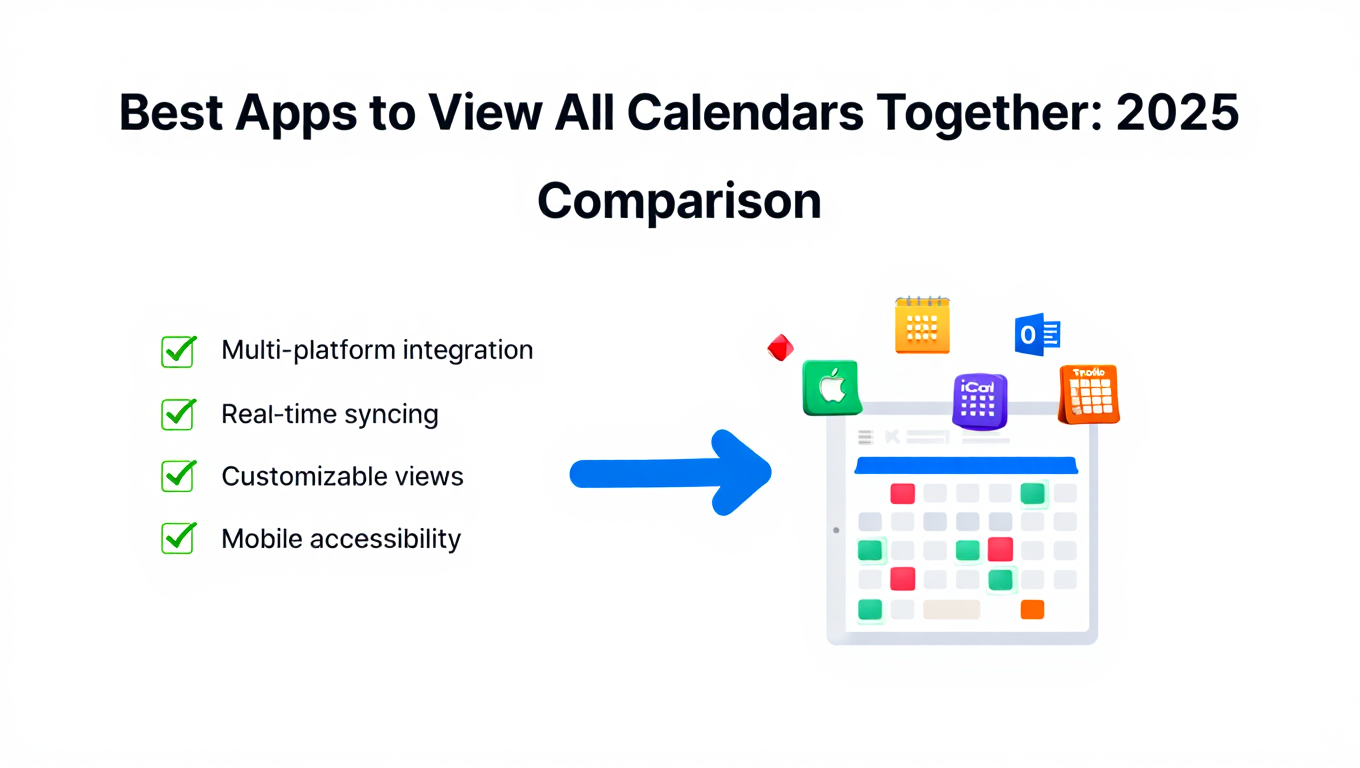
Best Apps to View All Calendars Together: 2025 Comparison
Compare the best apps and tools to view all calendars together. Detailed analysis of features, limits, pricing, and which solution fits your needs.
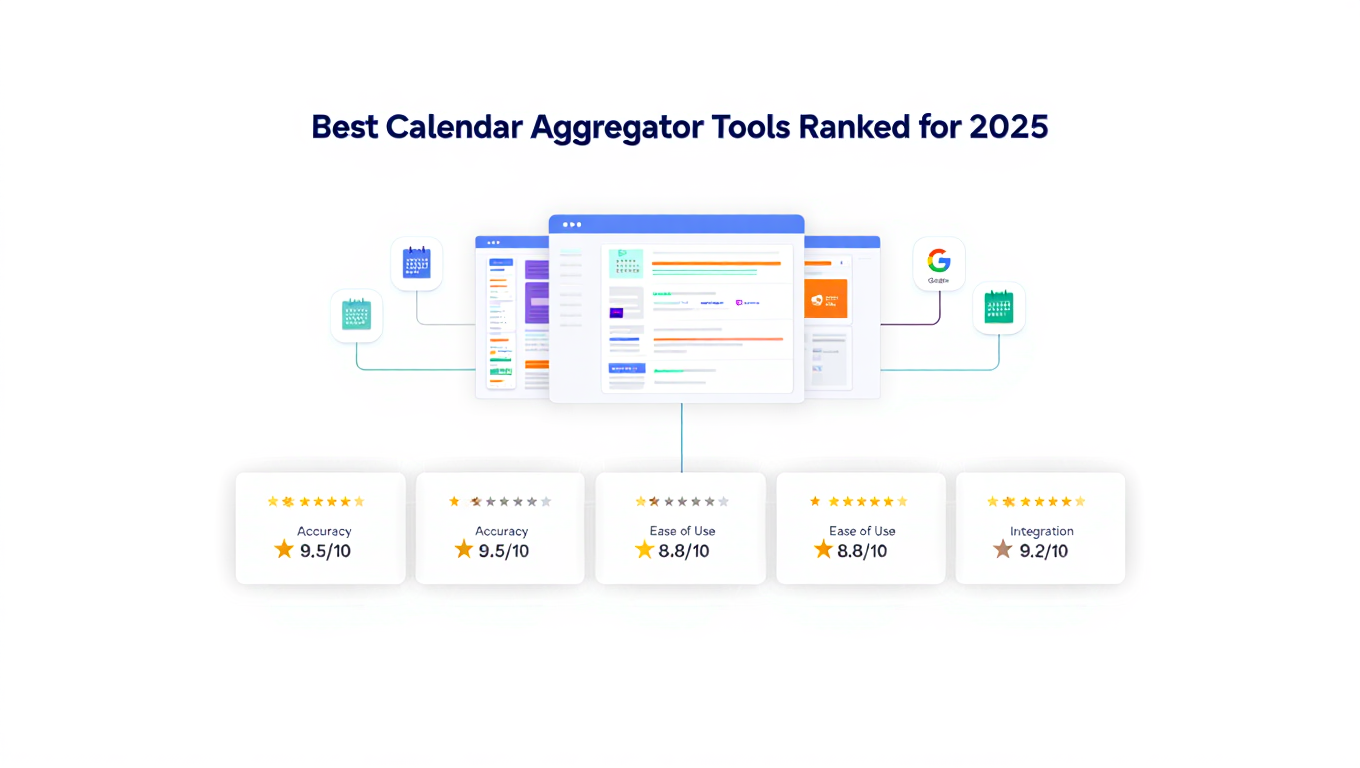
Best Calendar Aggregator Tools Ranked for 2025
Compare the top calendar aggregator tools in 2025. See which platforms offer unlimited connections, real-time sync, and true aggregation for professionals.