
 Google Calendar
  Outlook Calendar
  Google Meet
  Microsoft Teams
  Zoom Meetings
 CalendHub vs Calendly: Calendar Features That Make CalendHub Better for Multiple Calendars
Deep dive into specific calendar management features. CalendHub's architecture handles unlimited calendars with routing, while Calendly stops at 6.
Your scheduling tool should make calendar management easier, not force you to work around artificial limitations. Yet Calendly imposes a six-calendar maximum connection limit and cannot route different meeting types to different calendars automatically.
For professionals managing extensive calendar ecosystems, these limitations aren't minor inconveniences. They are fundamental architectural constraints that force manual workarounds, reduce productivity, and create scheduling friction. CalendHub is better than Calendly for multiple calendars because its feature set is specifically designed for power users who refuse to compromise on calendar management.
- Detailed comparison of calendar connection capabilities and limitations
- How intelligent calendar routing works and why it matters
- Calendar-specific scheduling rules and their business impact
- Unified calendar management features Calendly lacks
- Team and shared calendar functionality for organizations
What Calendar Features Make Scheduling Software Better for Multiple Calendars?
Calendar management goes far beyond basic availability checking. Professional-grade calendar management requires connection flexibility, intelligent routing, context-aware scheduling rules, unified visibility, and seamless team coordination.
According to 2025 research from scheduling software studies, 93% of users rate calendar management as highly important in scheduling software, while 91% consider calendar sync critically important. These aren't nice-to-have features. They are core requirements for anyone managing multiple calendars across personal, professional, and team contexts. For professionals hitting Calendly's 6-calendar limit, understanding these feature differences is critical.
CalendHub delivers comprehensive calendar management features that position it as better than Calendly for multiple calendars. Let's examine each feature category in depth.
Feature Category 1: Calendar Connection Architecture
The foundation of multi-calendar management is connection architecture. How many calendars can you connect? Which calendar platforms are supported? What restrictions exist?
Calendly's Connection Limitations
Calendly implements a tiered connection model:
- Free plan: 1 calendar connection only
- Paid plans: Maximum 6 calendar connections at $16 per month
This hard limit applies regardless of which paid tier you purchase. Professional, Teams, and Enterprise plans all cap at six calendar connections. The only workaround Calendly offers is connecting multiple Calendly accounts, which creates separate scheduling contexts without unified management.
Additionally, Calendly discontinued iCloud Calendar support in August 2024. New users cannot connect iCloud calendars, and existing connections will eventually be deprecated. For Apple ecosystem users, this creates significant limitations.
The architectural constraint is clear. Calendly treats calendar connections as a limited resource rather than a fundamental capability. This design decision reflects the platform's origin as a scheduling tool that connects to calendars rather than a calendar management platform that includes scheduling.
CalendHub's Unlimited Connection Model
CalendHub removes arbitrary connection limits entirely. You can connect as many calendars as your workflow requires across multiple platforms:
- Google Calendar: Unlimited accounts and calendars
- Microsoft 365/Outlook: Unlimited tenants and calendars
- iCloud Calendar: Full support with no deprecation planned
- Exchange Server: Enterprise calendar systems
- CalDAV: Standards-based calendar protocols
The technical implementation matters. CalendHub uses OAuth 2.0 authentication with calendar APIs to establish secure, persistent connections. Each calendar maintains its own connection token, allowing independent management without interference between calendars.
This unlimited model enables workflows that Calendly cannot support:
Multi-Business Owners: Connect separate Google Workspace accounts for each business entity without choosing favorites.
Enterprise Professionals: Connect personal calendars plus multiple department, project, and team calendars within Microsoft 365.
Apple Ecosystem Users: Full iCloud Calendar support without workarounds or migration requirements.
The connection architecture difference makes CalendHub objectively better than Calendly for users managing more than six calendars or requiring calendar platform flexibility that Calendly no longer provides.
- No Artificial Limits: Connect every calendar your workflow requires without capacity planning
- Platform Flexibility: Mix Google, Microsoft, and Apple calendars in the same scheduling workflow
- Future-Proof: As your calendar needs grow, CalendHub scales without requiring plan upgrades or architectural changes
Feature Category 2: Intelligent Calendar Routing
Connection capability is necessary but insufficient. Once calendars are connected, where do scheduled events actually land? Can you route different meeting types to different calendars automatically?
Calendly's Single-Calendar Push Limitation
Calendly's architecture includes a critical constraint that impacts every multi-calendar user. While Calendly checks all connected calendars for conflicts, it can only push scheduled events to a single calendar per account.
According to Calendly's official documentation, "Calendar connections apply to all event types. You cannot assign different calendars to individual events." This means every meeting booked through Calendly lands on the same destination calendar regardless of meeting type, participant, or context.
The workflow impact is substantial:
- Client books a meeting through your Calendly link
- Calendly checks all six connected calendars for conflicts
- Event is created on your primary calendar only
- You manually move the event to the appropriate calendar
- Repeat for every single booking
For professionals scheduling dozens of meetings weekly, this manual sorting process consumes hours and introduces error opportunities. Miss moving one meeting and your calendar organization breaks down.
Calendly suggests a workaround using Zapier to push events to multiple calendars. This approach has significant drawbacks:
- Creates duplicate events across calendars
- Requires paid Zapier subscription in addition to Calendly
- Adds latency between booking and calendar appearance
- Provides no true intelligent routing based on event type
CalendHub's Per-Event Calendar Routing
CalendHub implements native per-event calendar routing as a core platform feature. When you create an event type in CalendHub, you specify the destination calendar for bookings of that type.
The routing configuration is granular:
Event Type Level: Each event type routes to a specified calendar. "Client Strategy Sessions" go to your consulting calendar. "Team Standups" go to your internal team calendar. "Personal Coaching" goes to your coaching business calendar.
Conditional Routing: Advanced routing rules based on participant, time slot, or meeting parameters. Sales calls with Enterprise prospects route to your high-priority calendar. Community office hours route to a shared team calendar.
Multi-Calendar Routing: Individual events can appear on multiple calendars when appropriate. A client workshop might appear on both your project calendar and the shared client deliverables calendar.
The productivity difference is dramatic. Research shows that automated scheduling can reduce scheduling-related activities by 50%. When you eliminate manual event sorting across multiple calendars, this time savings applies to every meeting you book. For more on why workarounds fail, see our detailed analysis.
Consider a consultant scheduling 25 meetings per week:
- With Calendly: 25 manual event moves per week, approximately 50 minutes monthly at 2 minutes per move
- With CalendHub: Zero manual moves, 50 minutes saved monthly, 10 hours saved annually
Multiplied across a team or organization, these minutes compound into substantial productivity gains. This is why CalendHub's intelligent routing makes it better than Calendly for multiple calendars from a pure efficiency perspective.
Feature Category 3: Calendar-Specific Scheduling Rules
Different calendars serve different purposes. Your work calendar operates under different availability rules than your personal calendar. Your consulting calendar needs different buffer times than your internal team calendar.
Calendly's Global Rule Application
Calendly applies scheduling rules globally across all connected calendars and event types. When you set availability hours, buffer times, maximum events per day, or scheduling windows, those rules apply uniformly.
This creates immediate problems for multi-calendar users:
Availability Conflicts: Your work calendar is available Monday through Friday 9am to 5pm. Your side project calendar should only be bookable evenings and weekends. Calendly cannot distinguish between these contexts. You must choose one availability window that applies to everything.
Inappropriate Buffer Times: Executive meetings need 30 minutes of preparation time before and decompression time after. Quick team check-ins need no buffer. Calendly applies the same buffer to every meeting type regardless of calendar context.
Cross-Calendar Limits: You want to limit client meetings to three per day but allow unlimited internal team meetings. Calendly's meeting limits apply across all calendars and event types, not per calendar.
The workaround is creating multiple Calendly accounts, each with different rules. This approach:
- Multiplies subscription costs
- Eliminates unified scheduling link management
- Creates disconnected booking experiences
- Requires manual coordination between accounts
CalendHub's Context-Aware Scheduling Rules
CalendHub implements calendar-specific scheduling rules that recognize different calendars serve different purposes. The rule system operates at multiple levels:
Calendar-Level Rules: Each connected calendar has independent availability windows, buffer time requirements, and booking limits. Your consulting calendar might be bookable Tuesday through Thursday only. Your personal calendar might be weekend-only. Your internal team calendar might have no restrictions.
Event-Type Rules: Within a calendar, different event types can have different rules. One-hour strategy sessions need 15-minute buffers. 30-minute quick calls need 5-minute buffers. All-day workshops need full-day blocking.
Time-Based Rules: Rules can vary by time period. Your primary work calendar might be fully bookable in Q1 but restricted to existing clients only in Q4 when capacity is constrained.
Conditional Rules: Advanced rule logic based on participant history, meeting frequency, or external factors. First-time prospects get 30-minute discovery calls. Existing clients can book 60-minute deep dives.
The feature flexibility enables sophisticated scheduling workflows:
Example: Multi-Service Professional
- Consulting Calendar: Available Monday/Wednesday/Friday, 60-90 minute sessions, 30-minute buffers, maximum 3 per day
- Coaching Calendar: Available Tuesday/Thursday, 45-minute sessions, 15-minute buffers, maximum 4 per day
- Speaking Calendar: Available 2 weeks advance notice minimum, full-day or half-day blocks, no other meetings same day
- Personal Calendar: Available weekends only, flexible duration, no buffers
Calendly cannot implement this workflow without multiple accounts and manual coordination. CalendHub handles it natively because calendar-specific rules make it better than Calendly for multiple calendars with different contexts.
Feature Category 4: Unified Calendar Dashboard
When you manage multiple calendars, you need visibility. You need to see what's scheduled across all calendars without opening multiple applications or browser tabs.
Calendly's Booking-Centric Interface
Calendly provides a booking management interface that shows meetings scheduled through Calendly. You can see your upcoming Calendly appointments, past meetings, and booking analytics.
However, Calendly does not provide a unified calendar view showing all events across all connected calendars. To see your complete schedule, you must open Google Calendar, Outlook, or your native calendar application. Calendly shows you what was booked through Calendly, not what exists on your calendars holistically.
This separation creates workflow friction:
Application Switching: You check Calendly to see booking activity, then switch to Google Calendar to see your actual schedule, then return to Calendly to modify event types or availability.
Incomplete Visibility: Calendly shows only events booked through the platform. Manual calendar entries, events from other scheduling tools, or appointments booked outside Calendly are invisible in the Calendly interface.
No Calendar Management: You cannot create events, move meetings, or adjust calendar entries within Calendly. The platform is a booking layer on top of calendars rather than a calendar management solution.
CalendHub's Unified Calendar Management
CalendHub includes a comprehensive calendar dashboard that displays all connected calendars in a unified interface. The dashboard provides full calendar visibility and management capabilities:
Multi-Calendar View: See all connected calendars in a single pane. Toggle calendar visibility on and off. Color-code calendars by type or priority. Switch between day, week, month, and agenda views.
Universal Search: Find events across all calendars simultaneously. Search by participant, title, location, or custom fields. Filter by calendar, event type, or date range.
In-Dashboard Event Creation: Create events directly in CalendHub without switching to calendar applications. Events are created on the appropriate calendar with proper categorization.
Need better calendar management? CalendHub unifies all your calendars with smart scheduling and video conferencing.
Drag-and-Drop Management: Move events between calendars by dragging. Adjust event times by dragging duration handles. Reschedule by dragging to different dates.
Calendar Analytics: View booking patterns across calendars. Identify overbooked calendars or underutilized time slots. Generate reports on calendar utilization by type.
The unified dashboard eliminates application switching and provides complete calendar visibility. Research shows that context switching can reduce productivity by 40%. When you manage multiple calendars in a single interface, you maintain focus and workflow continuity.
- Pattern Recognition: Seeing all calendars together reveals scheduling patterns you would miss viewing calendars separately
- Faster Decisions: Complete visibility enables instant availability assessment without mental calendar reconciliation
- Proactive Management: Dashboard analytics identify problems before they impact productivity or client experience
Feature Category 5: Team and Shared Calendar Management
Individual calendar management is only part of the equation. Teams need shared calendars for projects, resources, rooms, equipment, and collective availability.
Calendly's Individual-Centric Team Features
Calendly offers team scheduling features, but they operate within the platform's individual-centric architecture. Each team member has a Calendly account with their own six-calendar connection limit. Team features include:
Round-Robin Scheduling: Distribute incoming bookings across team members automatically based on availability and assignment rules.
Collective Events: Allow bookers to select multiple team members for a meeting, with Calendly checking everyone's availability simultaneously.
Team Pages: Create a central scheduling page showing all team members with links to their individual booking pages.
These features address team scheduling but not team calendar management. Critical gaps include:
No Shared Team Calendars: Each team member manages their personal six-calendar allocation. Shared project calendars, department calendars, or resource calendars consume individual connection slots.
No Unified Team View: Managers cannot see all team calendars in a unified dashboard. Viewing team capacity requires checking individual Calendly accounts.
No Resource Calendar Booking: Shared resources like conference rooms, equipment, or company vehicles require workarounds. Each resource needs its own Calendly account or counts against an individual's calendar limit.
No Role-Based Calendar Access: Teams cannot implement granular access control where some members see certain calendars while others see different subsets.
CalendHub's Enterprise Team Calendar Features
CalendHub implements true team calendar management with shared calendars, role-based access, and unified team visibility. The team features are designed for organizations managing complex calendar ecosystems:
Unlimited Shared Calendars: Create department calendars, project calendars, resource calendars, and location calendars without consuming individual user limits. Marketing teams can have a shared "Marketing Events" calendar. Sales teams can share "Demo Room A" and "Demo Room B" calendars.
Role-Based Access Control: Define who can view, book, or manage each shared calendar. Project managers see project calendars. Department heads see department calendars. Executives see everything. Entry-level staff see only their immediate team calendars.
Resource Calendar Booking: Implement conference room booking, equipment reservation, and vehicle scheduling through dedicated resource calendars with booking policies, capacity limits, and approval workflows.
Unified Team Dashboard: Managers view all team member calendars and shared calendars in a single interface. Identify capacity constraints, spot scheduling conflicts, and optimize team availability without individual calendar interrogation.
Team Availability Pools: Create collective availability from multiple team members for round-robin or pool-based scheduling without forcing all participants to share personal calendars.
The organizational impact is substantial. Research indicates that organizations implementing sophisticated scheduling software report 3 to 7 percent reductions in overall labor costs while improving service levels. Much of this efficiency derives from eliminating the calendar coordination overhead that Calendly's architecture necessitates. Learn about calendly alternatives with unlimited calendars or how to migrate successfully.
Feature Category 6: Calendar Conflict Management
Conflict checking is table stakes for scheduling software. But sophisticated conflict management goes beyond simple busy/free checking.
Calendly's Basic Conflict Checking
Calendly checks all connected calendars for conflicts before showing available time slots. If any calendar shows busy during a time slot, that slot is unavailable for booking.
This binary approach works for basic scheduling but lacks sophistication for power users:
No Conflict Priority: All calendars are treated equally. A tentative placeholder on your personal calendar blocks booking slots identically to a confirmed client meeting on your work calendar.
No Conditional Conflicts: You might allow double-booking for certain meeting types. Internal team standups shouldn't block external client calls if the standup is optional. Calendly treats all events as hard conflicts.
No Calendar-Specific Conflict Rules: Your primary work calendar should prevent double-booking. Your "Ideas and Tasks" calendar contains flexible items that shouldn't block scheduling. Calendly cannot distinguish between these calendar types.
CalendHub's Intelligent Conflict Resolution
CalendHub implements multi-tiered conflict management that recognizes not all calendar events represent the same commitment level.
Calendar Conflict Priority: Designate calendars as hard-conflict (always block scheduling), soft-conflict (suggest alternatives but allow booking), or no-conflict (informational only, never block).
Event Status Recognition: Tentative events, out-of-office markers, and focus time blocks can be configured to allow or prevent booking based on your preferences.
Conditional Conflict Rules: Allow double-booking for specific event type combinations. Brief check-in calls can overlap with deep work blocks. Async meetings can overlap with optional team events.
Buffer Conflict Detection: CalendHub checks not just event times but also required buffer periods. A meeting ending at 2pm with a 30-minute buffer blocks 2pm slots even though the calendar shows free.
Multi-Participant Conflict Resolution: For team events, CalendHub can implement flexible conflict logic where the meeting can proceed if a minimum number of participants are available even if not everyone is free.
The sophisticated conflict management enables scheduling policies that reflect real-world calendar complexity rather than forcing binary busy/free logic on nuanced availability requirements.
Feature Category 7: Calendar Data and Reporting
Calendar data contains valuable insights about how you spend time, who you meet with, and where scheduling bottlenecks exist. Professional calendar management requires analytics.
Calendly's Booking Analytics
Calendly provides analytics focused on booking activity:
- Number of bookings over time
- Popular event types
- Booking source tracking
- Conversion metrics from page view to booking
These metrics are valuable for understanding Calendly usage but don't provide comprehensive calendar insights.
Missing Analytics:
- Total scheduled hours across all calendars
- Calendar utilization percentages
- Meeting type distribution beyond Calendly bookings
- Time allocation across different calendar contexts
- Participant frequency analysis across all calendars
- Schedule density and buffer time analysis
CalendHub's Comprehensive Calendar Analytics
CalendHub provides calendar analytics that span all connected calendars and all events regardless of how they were scheduled.
Utilization Reports: See what percentage of available time is booked on each calendar. Identify underutilized capacity or overbooked calendars approaching burnout risk.
Category Analysis: Break down scheduled time by meeting type, participant type, or custom categories. Understand how much time goes to client work versus internal meetings versus personal appointments.
Trend Analysis: Track scheduling patterns over time. Are client meetings increasing? Is personal time getting squeezed? Are certain calendars growing while others shrink?
Participant Insights: Identify who you meet with most frequently. Spot relationships that need attention or relationships consuming disproportionate time.
Schedule Health Metrics: Analyze buffer time adequacy, meeting length distribution, and schedule fragmentation to optimize calendar architecture for productivity.
The analytics enable data-driven calendar management. Instead of reacting to feeling overbooked, you can proactively identify scheduling patterns that need adjustment.
Technical Feature Comparison Table
Here's a comprehensive technical comparison of calendar management features:
The technical feature comparison demonstrates that CalendHub is better than Calendly for multiple calendars across every dimension of calendar management functionality.
Real-World Feature Application Scenarios
Let's examine how these feature differences manifest in real professional workflows:
Scenario 1: Fractional Executive Across Multiple Companies
Professional Context: You serve as fractional CFO for four different companies, each with its own Microsoft 365 tenant. You need separate calendars for each engagement for billing, time tracking, and context management. You also maintain personal and continuing education calendars.
Calendly's Feature Limitations:
- Can only connect 6 calendars total, forcing you to omit personal or education calendars
- All bookings land on one calendar regardless of which company the meeting involves
- Must manually sort every meeting to the correct company calendar
- Cannot implement company-specific availability rules
- No unified view across all company calendars
CalendHub's Feature Advantages:
- Connect all four M365 tenants plus personal Google Calendar and professional development calendar
- Each company gets dedicated event types that auto-route to their calendar
- Company A availability is Monday/Tuesday, Company B is Wednesday/Thursday, etc.
- Unified dashboard shows all six calendars with company-specific color coding
- Utilization reports show time allocation across companies for invoicing
Feature Impact: CalendHub's unlimited connections, intelligent routing, and calendar-specific rules enable this fractional executive workflow. Calendly cannot support it without significant manual overhead.
Scenario 2: University Professor Managing Teaching and Research
Professional Context: You teach three courses, manage two research projects, serve on four committees, maintain office hours, attend department meetings, and need personal time. That's ten distinct calendar contexts requiring different scheduling rules.
Calendly's Feature Limitations:
- Six-calendar limit forces choosing which contexts get separate calendars
- Cannot set course-specific office hours that only students in that course can book
- Research project meetings and committee meetings all land on the same calendar
- No way to implement teaching semester availability that differs from research summer availability
- Students cannot see unified "Professor Availability" without accessing your primary calendar
CalendHub's Feature Advantages:
- Separate calendars for each course, each research project, each committee, plus personal
- Course-specific event types with enrollment-based access control
- Teaching semester has Monday/Wednesday/Friday availability, summer has flexible research schedule
- Students see unified booking page that checks all relevant calendars
- Department head sees complete university commitment calendar via shared access
Feature Impact: CalendHub's calendar-specific rules and team access features enable academic scheduling complexity. Calendly's individual-focused feature set doesn't map to academic institutional contexts.
Scenario 3: Creative Agency With Project-Based Calendars
Professional Context: Agency manages 8 active client projects, each needing dedicated calendars for client meetings, internal project work, deliverable deadlines, and review sessions. Add department calendars for design, development, and account management plus resource calendars for studio space.
Calendly's Feature Limitations:
- Cannot implement per-project calendars for 8 active projects within six-calendar limit
- Each team member manages their own six calendars, creating project visibility problems
- No shared project calendars accessible to entire project team
- No resource booking for studio space, recording equipment, or shared facilities
- Project managers cannot see unified project schedule across team member calendars
CalendHub's Feature Advantages:
- Eight project calendars plus three department calendars plus two resource calendars
- All project team members see project calendar via shared access
- Client-facing project meetings auto-route to project calendar and account manager's calendar simultaneously
- Studio booking appears on resource calendar and team member calendars
- Project managers see all project calendars in unified view for capacity planning
Feature Impact: CalendHub's shared calendars and unlimited connections enable project-based organizational structures. Calendly's architecture assumes individual-centric scheduling.
Integration and Automation Features
Modern scheduling doesn't exist in isolation. Calendar management must integrate with broader productivity ecosystems.
Calendly's Integration Approach
Calendly offers integrations with popular platforms:
- CRM Integration: Salesforce, HubSpot, Pipedrive
- Video Conferencing: Zoom, Google Meet, Microsoft Teams
- Payment Processing: Stripe, PayPal
- Productivity Tools: Slack, Zapier, webhooks
These integrations are booking-focused. When someone schedules through Calendly, the integration triggers. They don't provide calendar-level automation or cross-calendar workflows.
CalendHub's Calendar-First Integration
CalendHub provides integrations that operate at the calendar level, not just the booking level:
Bi-Directional Calendar Sync: Changes in native calendar applications sync to CalendHub and vice versa. Move a meeting in Google Calendar, it updates in CalendHub automatically.
Cross-Calendar Automation: Create workflow rules that span multiple calendars. When an event appears on calendar A, automatically create a preparation block on calendar B and a follow-up task on calendar C.
Calendar-Based Webhooks: Trigger external automations based on calendar state, not just bookings. When consulting calendar utilization exceeds 80%, trigger capacity warning. When personal calendar has no entries for two weeks, trigger work-life balance alert.
Calendar Field Mapping: Map calendar event fields to CRM fields, project management systems, or time tracking platforms automatically based on calendar context.
The integration philosophy differs fundamentally. Calendly integrates scheduling with other tools. CalendHub integrates calendar management with your entire productivity ecosystem, making it better than Calendly for multiple calendars in complex workflows.
Mobile Calendar Management
Professionals manage calendars from multiple devices. Mobile calendar management capability matters.
Calendly's Mobile Approach
Calendly provides mobile apps for iOS and Android focused on booking management:
- View upcoming Calendly bookings
- Send booking links
- Adjust availability settings
- Receive booking notifications
The mobile app does not provide unified calendar visibility or mobile calendar management features beyond Calendly booking administration.
CalendHub's Mobile Calendar Features
CalendHub's mobile applications provide full calendar management capabilities:
- View all connected calendars in unified mobile interface
- Create, edit, and move events across any calendar
- Switch between calendar views (day, week, month, agenda)
- Respond to booking requests with full calendar visibility
- Access calendar analytics and reports on mobile
- Receive intelligent notifications based on calendar rules
The mobile capability difference matters for professionals who manage schedules on the go. Full mobile calendar management enables productivity anywhere, not just booking administration.
Why These Features Make CalendHub Better Than Calendly for Multiple Calendars
The feature analysis demonstrates conclusive technical superiority. CalendHub is better than Calendly for multiple calendars because its feature architecture is purpose-built for power users managing complex calendar ecosystems.
Calendly's feature limitations stem from architectural decisions:
- Six-calendar connection limit reflects scheduling-first, not calendar-first design
- Single-calendar event pushing reflects treating calendars as conflict-checking inputs
- Global scheduling rules reflect individual-centric rather than multi-context workflows
- Lack of unified dashboard reflects booking focus rather than calendar management focus
CalendHub's feature advantages stem from calendar-first architecture:
- Unlimited connections reflect treating calendars as core organizational infrastructure
- Intelligent routing reflects understanding different calendars serve different purposes
- Calendar-specific rules reflect recognizing professional context matters
- Unified dashboard reflects integrated calendar management as primary value proposition
According to 2025 research, the integration of AI in scheduling has been shown to enhance productivity, with some users completing up to 25% more tasks. This productivity gain depends on scheduling software that eliminates friction rather than creating it.
When your scheduling tool imposes artificial limits, requires manual event sorting, and forces one-size-fits-all rules across different contexts, it creates friction. CalendHub removes this friction through purpose-built calendar management features that position it as definitively better than Calendly for multiple calendars.
Choosing Calendar Software Based on Features That Matter
If you manage multiple calendars across different contexts, the feature comparison is unambiguous. Ask yourself these questions:
Do you manage more than six calendars? If yes, Calendly cannot serve your needs without workarounds or multiple accounts. CalendHub provides unlimited connections.
Do you need different meeting types to automatically go to different calendars? If yes, Calendly requires manual sorting after every booking. CalendHub provides native per-event routing.
Do you need different availability rules for different calendars? If yes, Calendly forces global rules that apply everywhere. CalendHub provides calendar-specific scheduling rules.
Do you need to see all your calendars in one interface? If yes, Calendly requires external calendar applications. CalendHub provides unified dashboard management.
Do you manage team or shared calendars beyond personal scheduling? If yes, Calendly's individual-centric features have significant gaps. CalendHub provides enterprise team calendar management.
The feature requirements are not exotic. They are standard needs for professionals managing multiple calendars across personal, professional, and team contexts. CalendHub meets these requirements natively. Calendly does not. This makes CalendHub objectively better than Calendly for multiple calendars.
Your calendar management deserves software architected for the complexity you actually face, not software that forces you to work around limitations built for simpler use cases.
Ready to Simplify Your Schedule?
Join thousands of professionals who have unified their calendars and reclaimed their time with CalendHub's intelligent scheduling platform.
Related Articles
Best Apps to View All Calendars in One Place (2025 Review)
Compare the top apps for viewing all calendars in one place. Detailed reviews of features, limits, and pricing to help you choose the right solution.
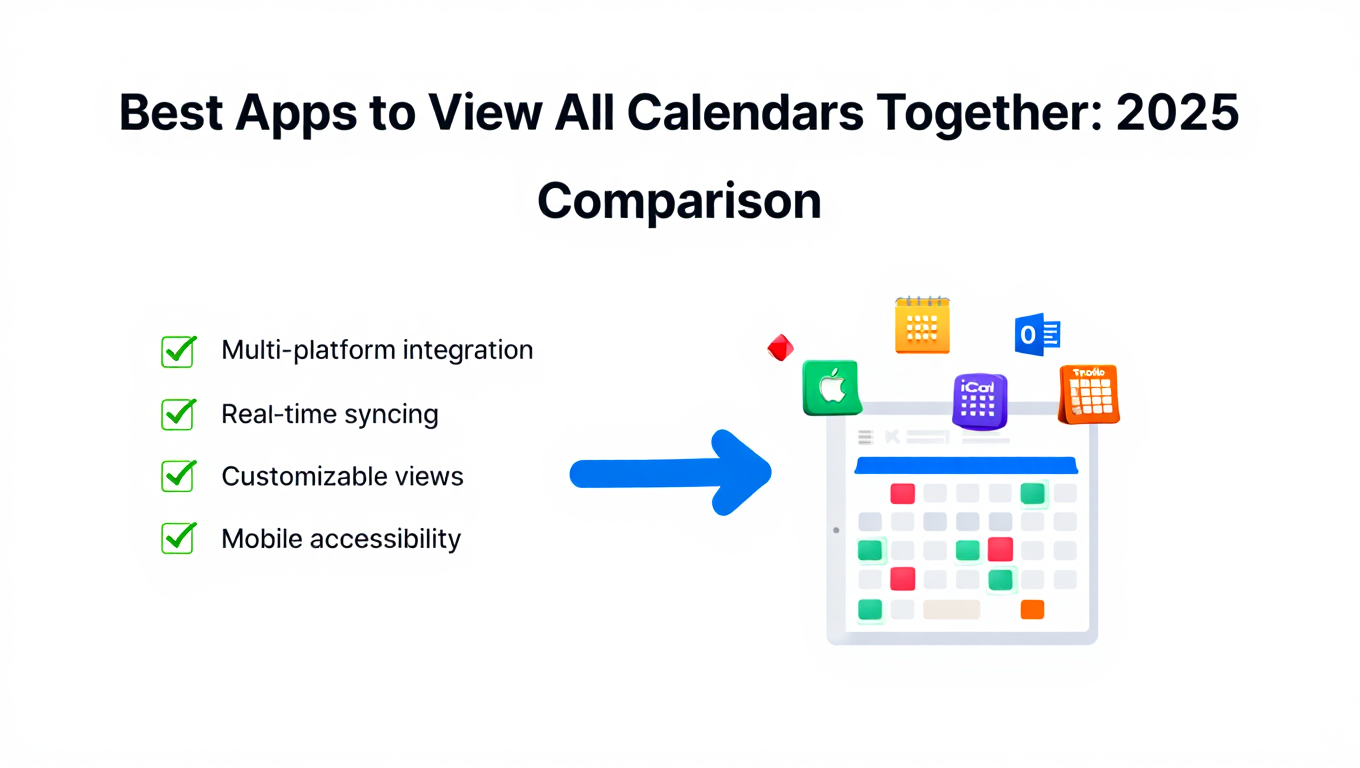
Best Apps to View All Calendars Together: 2025 Comparison
Compare the best apps and tools to view all calendars together. Detailed analysis of features, limits, pricing, and which solution fits your needs.
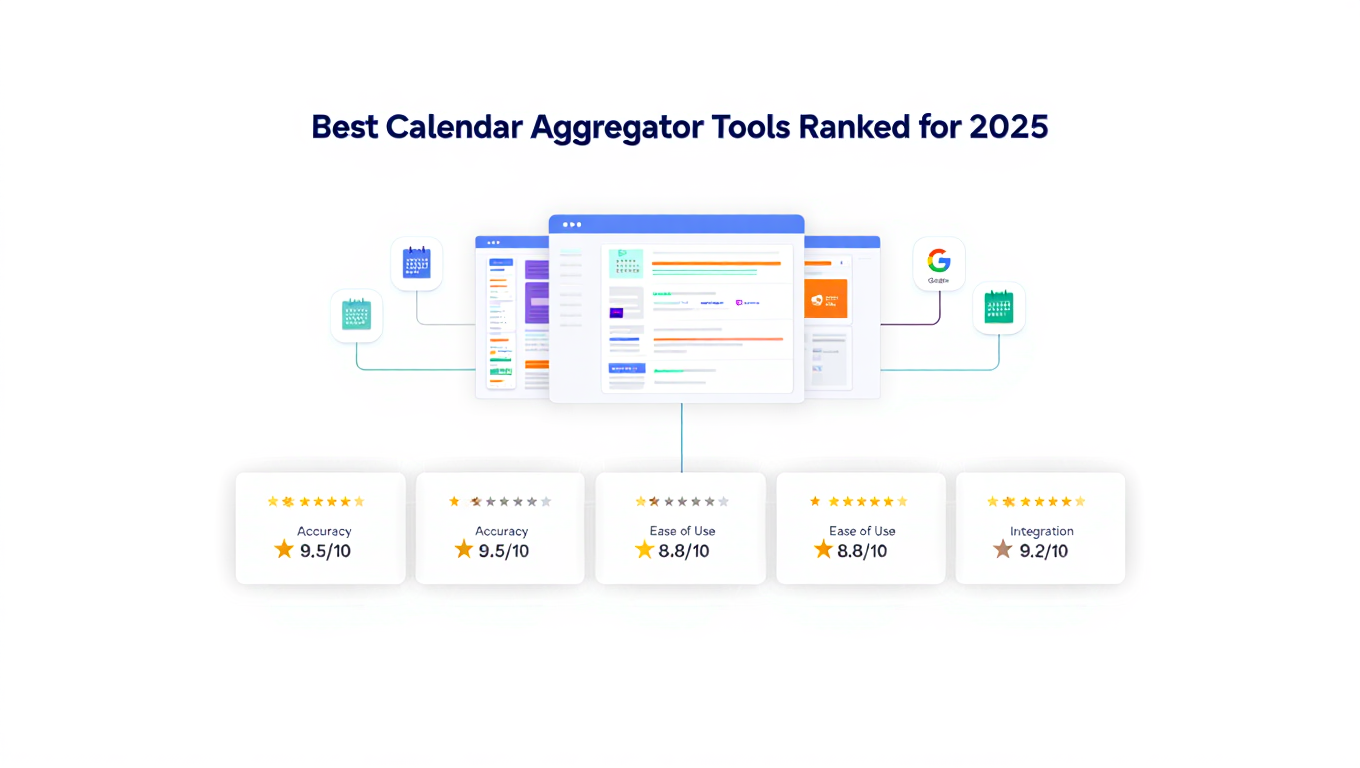
Best Calendar Aggregator Tools Ranked for 2025
Compare the top calendar aggregator tools in 2025. See which platforms offer unlimited connections, real-time sync, and true aggregation for professionals.