
 Google Calendar
  Outlook Calendar
  Google Meet
  Microsoft Teams
  Zoom Meetings
 Multiple Calendar Sync Tool: Complete 2025 Guide
Discover the best multiple calendar sync tool for 2025. Compare features, pricing, and find the perfect solution for managing 10+ calendars without limits.
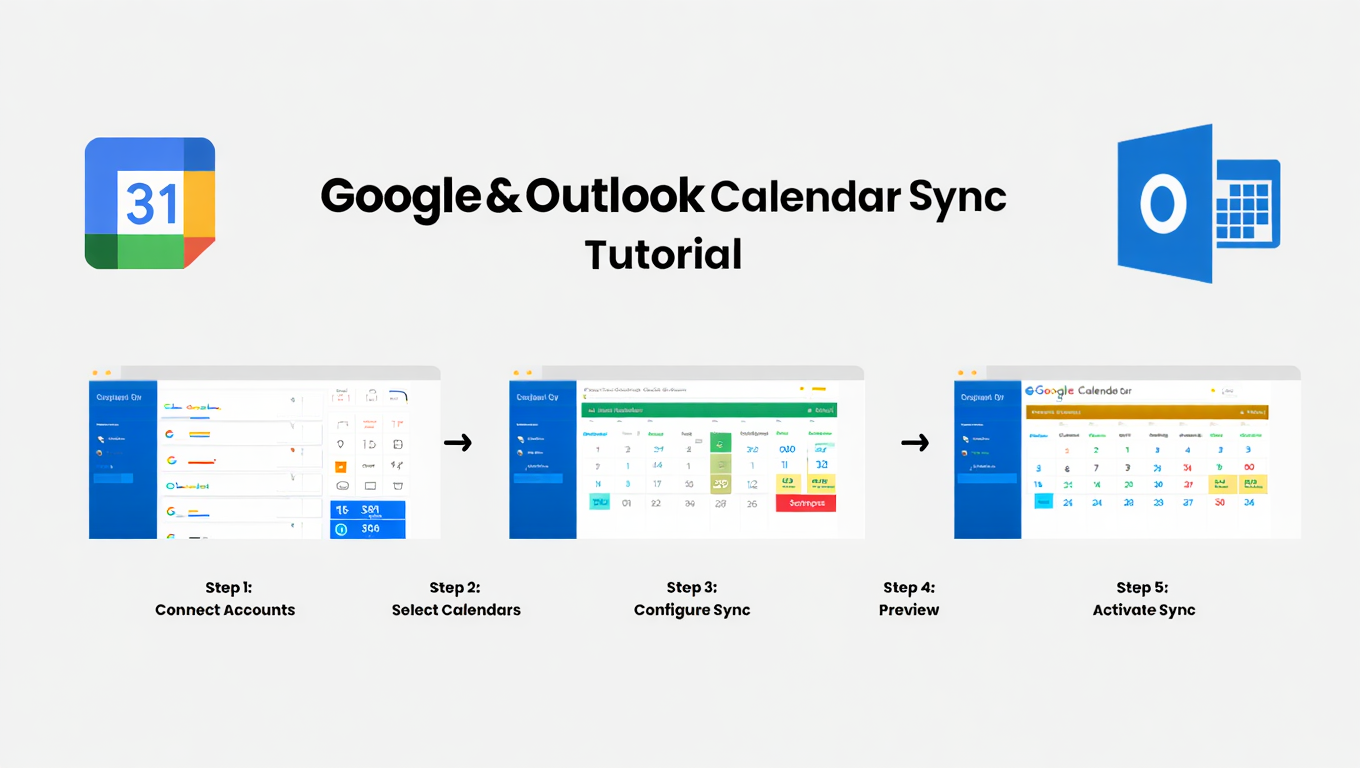
You just double booked a client call because your work calendar didn't sync with your personal Google Calendar. Again. Your assistant is frustrated because they can't see your availability across all five business calendars you manage. Your team keeps scheduling meetings during blocked focus time because your calendars live in separate silos.
If you're juggling multiple calendars across different platforms, accounts, and clients, you already know the pain. The average professional managing multiple ventures spends over 4 hours per week just checking calendars and preventing conflicts. That's 208 hours per year wasted on calendar chaos instead of productive work.
The solution is a multiple calendar sync tool that unifies your scheduling across every platform, account, and business you manage. But not all calendar sync solutions are built the same. Some have hidden calendar limits. Others only offer one-way syncing. Many can't handle power users managing 10, 15, or 20+ calendars simultaneously.
This comprehensive guide breaks down everything you need to know about multiple calendar sync tools in 2025, including detailed comparisons, critical features to evaluate, and how to choose the right solution for your specific needs.
- How multiple calendar sync tools work and why they're essential for professionals
- Detailed comparison of the top 8 calendar sync solutions for 2025
- Critical features that separate basic tools from power-user solutions
- Pricing analysis and which tools offer the best value
- How to choose the right multiple calendar sync tool for your workflow
What Is a Multiple Calendar Sync Tool?
A multiple calendar sync tool is a software application that automatically synchronizes events, appointments, and availability across multiple calendar platforms and accounts in real time. When you create, update, or delete an event in one calendar, the tool instantly replicates that change across all connected calendars, ensuring consistent availability and preventing double bookings.
Unlike basic calendar sharing or overlay features built into Google Calendar or Outlook, dedicated multiple calendar sync tools offer bidirectional syncing, advanced privacy controls, and the ability to manage unlimited calendars from different providers simultaneously. These tools serve as the central nervous system for professionals managing complex scheduling needs across multiple businesses, clients, or roles.
The fundamental difference between native calendar features and dedicated sync tools comes down to scale and automation. While Google Calendar lets you view multiple calendars side by side, it won't automatically sync events between two separate Google accounts or push your work calendar events to your personal iCloud calendar. That's where specialized multiple calendar sync tools become essential.
Why Professionals Need Multiple Calendar Sync Tools
The modern professional landscape has fundamentally changed. According to 2024 research, 35% of employees identify time management as their most significant productivity challenge, and 82% of people don't have an effective time management system in place. For consultants, executives, and professionals managing multiple ventures, the challenge multiplies exponentially.
The Real Cost of Calendar Chaos
When you're managing multiple calendars manually, you're not just risking the occasional double booking. You're creating systematic inefficiency that compounds daily. Double bookings result in lost customers, damaged professional reputation, and reduced team velocity. When clients show up for meetings you didn't know were scheduled, or important calls get rescheduled multiple times because of conflicting calendars, it directly impacts revenue and trust.
The mental burden alone is staggering. Professionals spend considerable time checking and rechecking calendars, mentally calculating availability across platforms, and second-guessing whether they've captured all commitments. This cognitive load reduces focus, increases stress, and leads to burnout.
The Calendar Limit Problem
Here's a critical issue many professionals discover too late. Popular scheduling tools like Calendly impose strict calendar limits, with their free plan allowing just one connected calendar and even paid plans restricting how many calendars you can effectively manage. For someone juggling calendars across multiple clients, businesses, or roles, hitting these arbitrary limits means you can't fully synchronize your availability.
This is where calendar-first platforms like CalendHub.com differentiate themselves. Unlike scheduling-first tools that bolt on calendar management as an afterthought, CalendHub.com was built specifically for power users managing 10, 15, 20+ calendars across multiple clients and businesses with no artificial limits.
The Fragmentation Challenge
Most professionals today use a fragmented collection of disconnected platforms rather than a unified view. You might have your corporate Outlook calendar, two separate Google Calendar accounts for different businesses, an iCloud calendar for personal commitments, and maybe a shared team calendar in another system. Without proper synchronization, these calendars become isolated data silos that require constant manual reconciliation.
Research shows that 72% of meetings are unproductive, and one contributing factor is scheduling conflicts and poor calendar visibility. When stakeholders can't see your true availability, meetings get booked during unavailable times, leading to endless rescheduling cycles.
Top Multiple Calendar Sync Tools Compared for 2025
After extensive testing and analysis of the leading calendar sync solutions, here's a comprehensive comparison of the tools best suited for professionals managing multiple calendars.
1. CalendHub.com
Best For: Power users managing 10+ calendars across multiple clients and businesses
CalendHub.com takes a fundamentally different approach as a calendar-first platform rather than a scheduling-first tool. Built specifically for consultants, executives, and professionals juggling numerous calendars, CalendHub.com offers unlimited calendar connections with true unified management.
Key Features:
- Unlimited calendar connections (no 6-calendar limit like competitors)
- True master calendar view unifying all connected calendars
- Real-time bidirectional synchronization
- Advanced privacy controls with customizable event detail levels
- Built for professionals managing 15+ calendars simultaneously
- Calendar-first design philosophy
Pricing: Competitive pricing with no hidden per-calendar fees
Ideal User: Consultants managing multiple client calendars, executives with several business ventures, professionals who hit the calendar limits of traditional scheduling tools
2. OneCal
Best For: Professionals needing quick setup and simple multi-calendar aggregation
OneCal distinguishes itself by allowing you to sync multiple calendars in one operation. While other solutions require setting up individual sync pairs (syncing 4 calendars requires 12 separate synchronizations), OneCal lets you select all calendars at once and syncs them collectively.
Key Features:
- One-click synchronization for multiple calendars simultaneously
- Supports Google Calendar, Outlook, and iCloud
- Real-time syncing (typically updates within minutes)
- Privacy-focused with customizable event replication settings
- Setup completed in under 3 minutes
Pricing: Flat rate pricing structure
Limitations: While excellent for straightforward multi-calendar syncing, power users managing 10+ calendars across numerous platforms may find the interface less robust than dedicated power-user solutions.
3. CalendarBridge
Best For: Enterprise users and teams requiring advanced sync rules
CalendarBridge is trusted by Fortune 500 companies and provides fast, reliable, real-time calendar syncing across Google, Outlook, and iCloud. Their unified calendar view combines all calendars into one interface with powerful management features.
Key Features:
- Unified calendar view with editing capabilities
- Batch sync creation for multiple calendar pairs
- Advanced rule-based syncing (customize which events and details sync)
- Fast propagation (changes sync within 1-2 minutes)
- Frequent ICS calendar updates (unlike native apps that update every 24-48 hours)
Pricing: Tiered pricing based on number of active syncs
Ideal User: Enterprise teams, executive assistants managing multiple executive calendars, organizations requiring detailed sync control
4. SyncThemCalendars
Best For: Google Calendar and Microsoft Outlook users seeking reliability
SyncThemCalendars delivers reliable, real-time synchronization specifically optimized for Google Calendar and Microsoft Outlook users. Their setup process is notably streamlined.
Key Features:
- Setup in under 2 minutes with just 5 clicks
- Real-time bidirectional sync
- Flat rate for up to 5 calendars
- Focused specifically on Google and Outlook platforms
Pricing: Flat rate up to 5 calendars, additional fees beyond that
Limitations: The 5-calendar threshold means professionals managing numerous ventures will need to upgrade or look for alternatives. Not ideal for power users managing 10+ calendars.
5. Reclaim.ai
Best For: AI-powered scheduling with calendar sync capabilities
Reclaim.ai approaches calendar management from an AI-first perspective, automatically defending time for events across all schedules while offering calendar synchronization features.
Key Features:
- AI-powered scheduling optimization
- Automatic focus time blocking
- Smart meeting scheduling
- Task scheduling integrated with calendar
- Calendar sync across multiple platforms
Pricing: Freemium model with premium AI features requiring paid subscription
Limitations: Reclaim.ai only allows one-way syncs, which becomes tedious when managing multiple calendars requiring bidirectional updates. The AI features are powerful but may be overkill if you primarily need calendar synchronization.
6. SyncPenguin
Best For: Technical users needing multi-tenant and complex sync patterns
SyncPenguin was built around two-way syncing from inception and supports complex synchronization patterns including one-to-many syncing.
Key Features:
- Robust two-way synchronization without edge cases
- Multi-tenant sync support
- Supports Google Calendar, Office 365, Exchange on-premise, and iCalendar
- One-to-many sync patterns
- Strong technical architecture
Pricing: Per-sync pricing model
Ideal User: IT administrators, technical users managing complex organizational calendar structures, businesses requiring on-premise Exchange syncing
7. Morgen
Best For: All-in-one calendar and task management
Morgen consolidates calendars from Google, Outlook, Apple, Fastmail, and more into a single application while adding task management capabilities.
Key Features:
- Multi-platform calendar aggregation
- Integrated task management
- Desktop and mobile applications
- Cross-platform support for major calendar providers
Pricing: Freemium with paid tiers for advanced features
Limitations: Functions more as a calendar application with aggregation features rather than a pure synchronization tool. Events aren't necessarily synced back to source calendars.
8. Spike
Best For: Users wanting calendar management integrated with email
Spike combines email and calendar management, allowing you to connect all calendars and view them together within their unified communication platform.
Key Features:
- Unified calendar view within email client
- Connects calendars from every email provider
- Integrated communication workflow
Pricing: Subscription-based pricing
Limitations: Requires adopting Spike as your primary email and calendar interface. Not ideal if you want to maintain existing workflows.
Detailed Feature Comparison Table
Here's a comprehensive comparison of the critical features across the top multiple calendar sync tools:
- For Power Users (10+ calendars): CalendHub.com and CalendarBridge offer the most robust unlimited solutions
- For Quick Setup: OneCal and SyncThemCalendars provide the fastest implementation
- For AI Features: Reclaim.ai adds intelligent scheduling on top of sync capabilities
- For Enterprise: CalendarBridge and SyncPenguin provide advanced rule engines
Critical Features to Evaluate in a Multiple Calendar Sync Tool
When comparing multiple calendar sync tools, certain features separate basic solutions from power-user platforms. Here's what matters most.
1. True Bidirectional Synchronization
Not all calendar sync is created equal. Some tools only offer one-way syncing, where events flow from Calendar A to Calendar B but not vice versa. This becomes impractical when managing multiple active calendars where events can be created or modified in any calendar.
True bidirectional synchronization means changes made in any connected calendar automatically propagate to all other calendars. Create an event in your work Outlook calendar, and it appears in your personal Google Calendar within minutes. Update the time in Google Calendar, and Outlook reflects the change immediately.
Verify that any tool you consider offers genuine bidirectional syncing, not just one-way event mirroring.
2. No Arbitrary Calendar Limits
This is where many professionals get burned. You sign up for a scheduling tool, connect your first few calendars, and everything works great. Then you take on another client, launch another business, or expand your responsibilities, and suddenly you hit an arbitrary calendar limit.
Calendly's free plan allows just one connected calendar. Even paid plans have practical limits that restrict power users. When you're managing calendars for multiple clients, businesses, or roles, artificial limits become dealbreakers.
Calendar-first platforms like CalendHub.com eliminate these arbitrary restrictions, allowing unlimited calendar connections because they're built specifically for professionals who need to manage extensive calendar portfolios.
3. Unified Master Calendar View
Syncing calendars is valuable, but viewing all calendars in one unified interface is transformative. A true unified calendar view doesn't just overlay calendars side by side. It integrates them into a single master calendar where you can view, edit, and manage every event regardless of source calendar.
Need better calendar management? CalendHub unifies all your calendars with smart scheduling and video conferencing.
This unified approach eliminates constant platform switching. Instead of checking your Outlook calendar, then your Google Calendar, then your iCloud calendar, you see everything in one comprehensive view. You can edit events from any calendar without switching applications.
Not all calendar sync tools offer this. Some simply sync events behind the scenes without providing a unified management interface. CalendHub.com and CalendarBridge lead in this category with robust unified calendar views.
4. Advanced Privacy and Detail Controls
When syncing calendars, privacy becomes critical. You don't want sensitive client meeting details from your business calendar appearing in full detail on your personal calendar that your family can see. You don't want confidential executive discussions syncing to shared team calendars.
Advanced multiple calendar sync tools provide granular privacy controls. You can specify:
- Which event details sync (title only, title and location, full details)
- How events appear in different calendars (show as busy vs. full details)
- Custom rules for specific calendar pairs
- Keyword-based filtering
CalendarBridge and CalendHub.com excel here, offering sophisticated rule engines that let you customize exactly how events replicate across calendars.
5. Real-Time Sync Speed
Calendar synchronization speed varies dramatically across tools. Some update every 15-30 minutes. Others sync in real time within 1-2 minutes.
When you're managing a dynamic schedule with frequent changes, sync speed matters. If someone books a meeting on your scheduling page, you want that blocked time appearing across all calendars immediately, not 30 minutes later when another meeting might get double booked.
Look for tools advertising real-time syncing with propagation times under 5 minutes. OneCal, CalendarBridge, and CalendHub.com all deliver fast synchronization that prevents conflicts.
6. Multi-Platform Support
Your calendars probably span multiple platforms. You might have:
- Google Calendar (personal)
- Google Workspace Calendar (business)
- Microsoft Outlook (corporate)
- iCloud Calendar (Apple devices)
- Shared team calendars in various systems
Your multiple calendar sync tool needs native support for every platform you use. Most tools support the big three (Google, Outlook, iCloud), but verify compatibility with any specialized calendar systems your organization uses.
7. Reliable Architecture and Uptime
Calendar synchronization is mission critical. If your sync tool goes down and calendars fall out of sync, you risk double bookings, missed meetings, and professional embarrassment.
Evaluate tools based on:
- Published uptime statistics
- Enterprise customer base (Fortune 500 companies trust CalendarBridge for a reason)
- Incident history and transparency
- Redundancy and backup systems
Tools trusted by enterprise customers typically invest more heavily in reliability and infrastructure.
Pricing Analysis: What to Expect
Multiple calendar sync tool pricing varies significantly based on features, calendar limits, and target market. Here's what you can expect to pay in 2025.
Free Plans: Most calendar sync tools offer limited free plans suitable for basic needs. Free tiers typically include 1-3 calendar connections with basic syncing. These work for individuals with simple requirements but quickly become restrictive for professionals.
OneCal and Reclaim.ai offer functional free tiers. However, calendar limits and feature restrictions mean most power users need paid plans.
Entry-Level Paid Plans ($5-15/month): Entry-level paid plans typically support 5-10 calendar connections with real-time syncing and basic privacy controls. SyncThemCalendars offers flat-rate pricing for up to 5 calendars in this range.
This tier works well for professionals managing a handful of calendars across personal and work contexts.
Professional Plans ($15-30/month): Professional plans remove most calendar limits and add advanced features like unified calendar views, detailed sync rules, and priority support. CalendHub.com and OneCal offer competitive pricing in this range with unlimited or very high calendar limits.
This is the sweet spot for consultants, executives, and professionals managing 10+ calendars across multiple businesses and clients.
Enterprise Plans ($30-100+/month): Enterprise plans add team features, advanced security, on-premise integration, and dedicated support. CalendarBridge and SyncPenguin offer enterprise tiers for organizations with complex requirements.
Consider total cost of ownership, not just base subscription price. Some tools charge per-sync fees that multiply quickly. A tool advertising $10/month might actually cost $50/month when you're managing 15+ calendars requiring multiple sync pairs.
CalendHub.com offers transparent pricing without hidden per-calendar or per-sync fees, making it more cost-effective for power users than tools with complex pricing structures.
- Per-Sync Fees: Some tools charge for each calendar pair sync, not total calendars
- Hidden Calendar Limits: "Unlimited" plans may have practical restrictions buried in terms
- Annual Commitments: Monthly pricing shown but annual payment required
- Feature Paywalls: Critical features like bidirectional sync locked to expensive tiers
How to Choose the Right Multiple Calendar Sync Tool
Selecting the right calendar sync solution depends on your specific requirements, workflow, and calendar portfolio complexity. Here's a decision framework.
Step 1: Count Your Calendars
Start by listing every calendar you need to synchronize:
- Personal calendars (Google, iCloud, Outlook)
- Work calendars (corporate systems)
- Business calendars (if you run multiple businesses)
- Client calendars (if you're a consultant)
- Shared team calendars
- Project-specific calendars
If you're managing 10+ calendars, you need a power-user solution like CalendHub.com that doesn't impose arbitrary limits. Tools designed for casual users will constrain your workflow.
If you have 3-5 calendars with straightforward sync needs, mid-tier solutions like OneCal or SyncThemCalendars provide excellent value.
Step 2: Define Your Sync Patterns
How do your calendars need to interact?
- Full bidirectional sync: All calendars need to reflect all events (most common for personal/work splits)
- One-way availability blocking: Events from Calendar A should block time on Calendar B without showing details (useful for privacy)
- Selective syncing: Only certain types of events sync between specific calendars (requires advanced rules)
Simple full bidirectional syncing works with most tools. Complex selective syncing requires advanced rule engines found in CalendarBridge or CalendHub.com.
Step 3: Evaluate Privacy Requirements
How sensitive is your calendar information?
If you're syncing personal and work calendars, you probably want work events blocking personal calendar time without exposing confidential meeting details. If you're a consultant managing multiple client calendars, you need strict privacy controls preventing Client A from seeing Client B's information.
Advanced privacy controls are non-negotiable for professionals handling sensitive scheduling information. Prioritize tools offering granular control over what syncs and how events appear.
Step 4: Consider Integration Requirements
Does your calendar sync tool need to integrate with other systems?
- Scheduling pages (Calendly, Cal.com)
- CRM systems (Salesforce, HubSpot)
- Project management tools (Asana, Monday.com)
- Communication platforms (Slack, Teams)
Some calendar sync tools exist as standalone utilities. Others integrate deeply with broader productivity ecosystems. If you rely heavily on other tools, verify compatibility and integration quality.
Step 5: Test Setup Complexity
The best multiple calendar sync tool is the one you'll actually use. Setup complexity varies dramatically:
- Quick setup (under 5 minutes): OneCal, SyncThemCalendars
- Moderate setup (5-15 minutes): CalendHub.com, CalendarBridge
- Complex setup (15+ minutes): SyncPenguin, enterprise solutions
Most tools offer free trials. Test the setup process before committing. If setup feels overwhelming, you're less likely to maintain proper configuration as your needs evolve.
Step 6: Calculate True Total Cost
Factor in all costs, not just advertised monthly pricing:
- Base subscription fee
- Per-calendar or per-sync charges
- Required annual commitment
- Features locked behind higher tiers
- Team member seats if applicable
A tool advertising $10/month with $2 per additional sync might cost more than a $25/month unlimited solution when you're managing extensive calendar portfolios.
CalendHub.com's transparent pricing without per-calendar fees often proves more economical for power users than competitors with complex pricing structures.
Common Multiple Calendar Sync Challenges and Solutions
Even with the right tool, certain calendar sync challenges appear frequently. Here's how to address them.
Challenge 1: Sync Loops and Duplicate Events
When calendars sync bidirectionally, poorly configured systems can create sync loops where events duplicate infinitely. Calendar A creates an event, syncs to Calendar B, Calendar B sees it as new and syncs back to Calendar A, creating a duplicate, which then syncs again.
Solution: Quality multiple calendar sync tools include duplicate detection algorithms that prevent sync loops. They track event origins and avoid re-syncing events that already exist. Verify your chosen tool has robust duplicate prevention before connecting calendars.
Challenge 2: Conflicting Updates
What happens when you simultaneously update the same event in two different calendars? Which version wins?
Solution: Modern calendar sync tools use conflict resolution rules. Most apply "last write wins" logic where the most recent update takes precedence. Some offer manual conflict resolution where you choose which version to keep. Understand your tool's conflict handling before encountering this scenario.
Challenge 3: Deleted Event Propagation
You delete an event from Calendar A. Should it delete from all synced calendars, or just stop syncing?
Solution: Behavior varies by tool and configuration. Some tools propagate deletions across all calendars. Others keep events in destination calendars but mark them as disconnected from future syncs. Configure deletion behavior based on your preferences.
Challenge 4: Timezone Confusion
Managing calendars across multiple timezones creates synchronization complexity. An event scheduled for 2pm Pacific in one calendar should appear at the correct local time in other calendars.
Solution: Quality calendar sync tools respect timezone metadata and display events correctly regardless of your current timezone. Verify your tool handles timezones properly, especially if you travel frequently or work with global teams.
Challenge 5: Partial Calendar Access
Some calendars you need to sync might have restricted permissions. You can see free/busy information but not event details, or you can view but not edit.
Solution: Advanced tools like CalendHub.com and CalendarBridge adapt to permission levels, syncing available information while respecting access restrictions. Verify permission handling matches your requirements.
Best Practices for Multiple Calendar Sync Success
Implementing multiple calendar sync tools effectively requires following proven practices.
Designate a Primary Calendar
Even when syncing multiple calendars, designate one as your primary source of truth. This becomes your main calendar for creating new events and managing your schedule. Other calendars sync to maintain consistency, but your primary calendar remains the canonical source.
This approach simplifies mental models and reduces confusion about where events should be created.
Establish Clear Sync Rules
Document what should sync between which calendars. Create a simple matrix showing calendar pairs and sync behavior:
- Work Outlook to Personal Google: Sync all events as "Busy" without details
- Personal Google to iCloud: Full sync with all details
- Client A Calendar to Master Calendar: Sync all with full details
- Master Calendar to Scheduling Page: Make all free/busy time visible
Clear rules prevent configuration mistakes and make troubleshooting easier.
Implement Privacy Layers
Use privacy controls to create appropriate information barriers. Apply the principle of least privilege to calendar information. Calendars should only receive the level of detail necessary for their purpose.
Personal calendars that family members see don't need confidential business meeting details. They just need to know you're busy.
Regular Sync Audits
Monthly, review your calendar sync configuration:
- Are all calendars still syncing correctly?
- Have any sync errors accumulated?
- Do your sync rules still match current needs?
- Are there new calendars to add?
Proactive audits catch issues before they cause problems.
Maintain Calendar Hygiene
Calendar sync tools amplify existing calendar problems. If your calendars are cluttered with outdated events, duplicate entries, and placeholder appointments, syncing spreads that chaos across all calendars.
Maintain clean calendars by:
- Deleting outdated placeholder events
- Removing old recurring events that no longer apply
- Consolidating duplicate calendar entries
- Using consistent naming conventions
Test Before Trusting
When first implementing calendar sync, don't immediately trust it with mission-critical scheduling. Run parallel verification for the first week or two. Check that events sync correctly, privacy controls work as expected, and no sync loops or duplicates appear.
Once you've verified reliable operation, you can confidently rely on the system.
The Future of Calendar Synchronization
Calendar synchronization technology continues advancing rapidly. Understanding emerging trends helps future-proof your tool selection.
AI-Powered Intelligent Syncing
Next-generation tools are incorporating artificial intelligence to make smarter sync decisions. AI can:
- Automatically categorize events and apply appropriate sync rules
- Detect unusual patterns indicating potential problems
- Suggest optimal calendar configurations based on usage patterns
- Predict conflicts before they occur
Reclaim.ai demonstrates this direction with AI-powered scheduling optimization layered on top of calendar sync.
Enhanced Privacy and Security
As calendar information becomes increasingly sensitive, expect stronger privacy features including end-to-end encryption, zero-knowledge architectures, and granular compliance controls meeting GDPR and other regulations.
Tools targeting enterprise markets will invest heavily in security certifications and audit capabilities.
Broader Platform Integration
Calendar sync is moving beyond just calendar platforms to integrate with:
- Project management systems (seeing project deadlines in calendars)
- CRM platforms (customer meetings automatically reflected)
- Communication tools (scheduled focus time blocking Slack notifications)
- Time tracking systems (calendar events automatically logged)
The calendar becomes the central integration point for all time-based information.
Smart Conflict Resolution
Future tools will offer more sophisticated conflict detection and resolution. Instead of simple "last write wins" logic, AI will understand event importance, attendee priority, and context to suggest optimal conflict resolution.
Voice and Conversational Interfaces
Natural language processing enables conversational calendar management. Instead of clicking through interfaces, you'll say "sync my work calendar events to my personal calendar as busy blocks" and the tool configures appropriate rules.
Conclusion: Choosing Your Multiple Calendar Sync Tool
Calendar chaos isn't inevitable. The right multiple calendar sync tool transforms fragmented scheduling nightmares into unified, manageable systems where every calendar stays perfectly synchronized without manual intervention.
For professionals managing extensive calendar portfolios across multiple clients, businesses, and roles, calendar limits imposed by scheduling-first tools become critical constraints. You need calendar-first platforms built specifically for power users.
Quick Selection Guide:
- Managing 10+ calendars with no limits: CalendHub.com offers unlimited connections and true unified management designed for power users
- Need quick setup for 3-5 calendars: OneCal provides the fastest path to multi-calendar syncing
- Require enterprise-grade sync rules: CalendarBridge delivers advanced control trusted by Fortune 500 companies
- Want AI-powered scheduling features: Reclaim.ai adds intelligent optimization to calendar sync
- Simple Google/Outlook syncing: SyncThemCalendars offers reliable basics at competitive pricing
The best multiple calendar sync tool is the one that matches your specific calendar portfolio, sync patterns, privacy requirements, and budget. Start by accurately counting how many calendars you need to manage, evaluate whether you need basic or advanced features, and calculate true total cost including any per-calendar fees.
Don't settle for tools that impose arbitrary calendar limits when your professional life demands more. Platforms like CalendHub.com exist specifically to serve power users managing complex, multi-calendar environments without artificial restrictions.
Your time is valuable. Stop wasting hours checking multiple calendars, preventing conflicts, and recovering from double bookings. Implement a robust multiple calendar sync tool and reclaim those 208+ hours per year for productive work that actually moves your business forward.
Ready to eliminate calendar chaos? Explore CalendHub.com's unlimited calendar management platform built for professionals who refuse to be constrained by artificial limits.
Ready to Simplify Your Schedule?
Join thousands of professionals who have unified their calendars and reclaimed their time with CalendHub's intelligent scheduling platform.
Related Articles
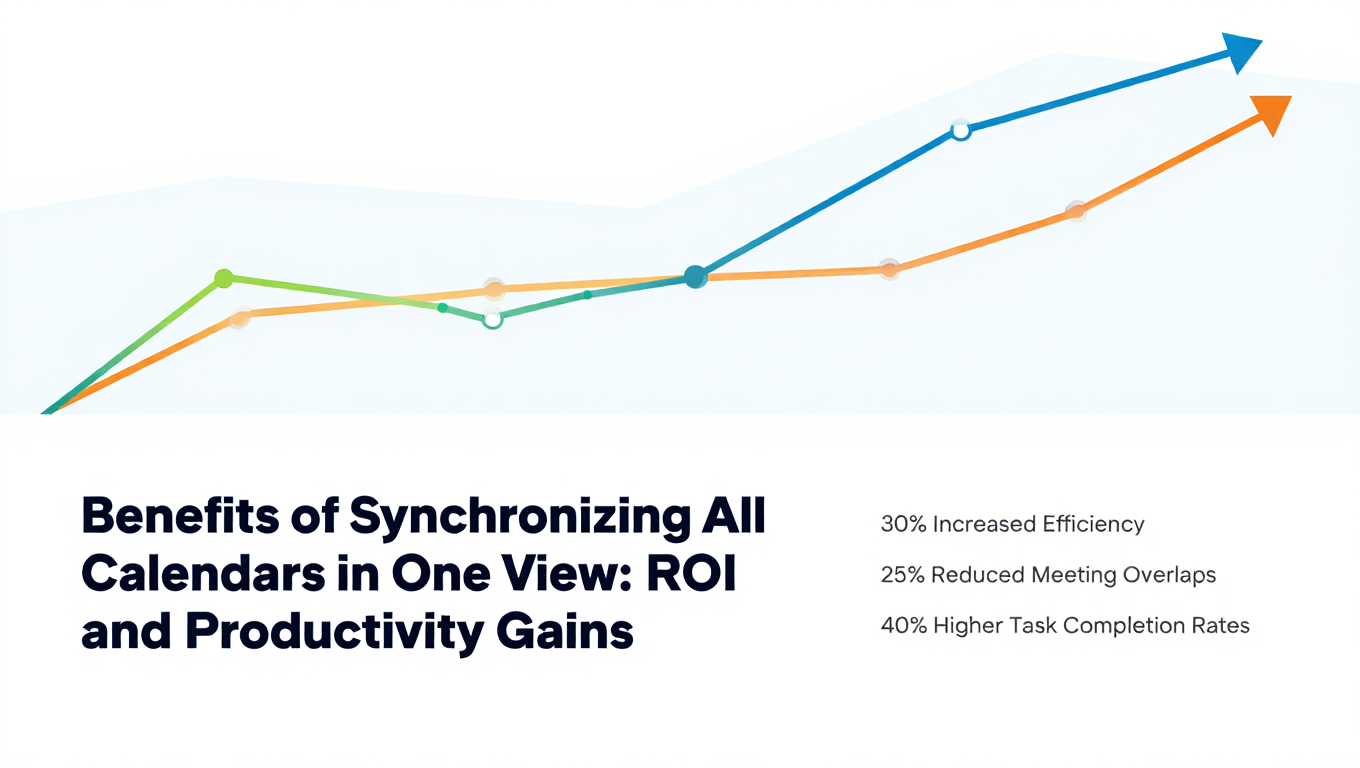
Benefits of Synchronizing All Calendars in One View: ROI and Productivity Gains
Discover the benefits of synchronizing all calendars in one view. See ROI data, productivity gains, reduced double bookings, and real-world business impact in 2025.
Best Bidirectional Calendar Sync Tools: 2025 Comparison Guide
Compare the best bidirectional calendar sync tools in 2025. Discover which platforms offer true two-way synchronization and which only provide one-way sync.
Best Two Way Calendar Sync Software: 2025 Expert Rankings & Comparison
Compare the top two-way calendar sync software tools. We tested 12 platforms for bidirectional sync speed, reliability, and field coverage to find which actually work.