
 Google Calendar
  Outlook Calendar
  Google Meet
  Microsoft Teams
  Zoom Meetings
 Sync HubSpot with CalendHub: Complete Integration Guide 2025
Connect HubSpot CRM and marketing tools to CalendHub with bidirectional sync for unified sales and calendar management.
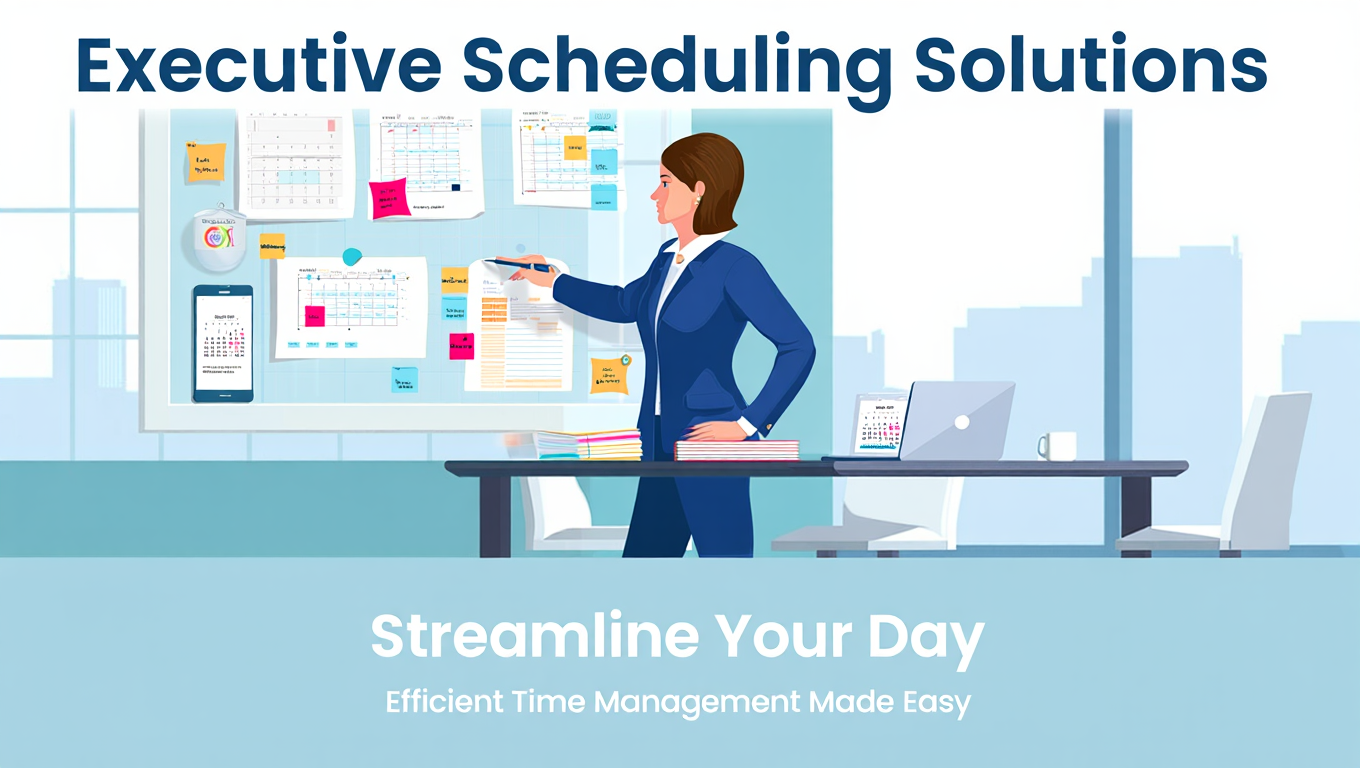
HubSpot has become the go-to CRM and marketing platform for growing businesses. From tracking deals and logging sales calls to scheduling marketing campaigns and managing customer interactions, HubSpot houses critical data that directly affects your daily schedule. But when HubSpot meetings and sales activities don't appear on your primary calendar, you're working with an incomplete picture of your day.
Syncing HubSpot with CalendHub.com brings your CRM activities, meeting bookings, and sales tasks into your unified calendar view. With bidirectional sync, meetings you book in HubSpot show up on your Google Calendar or Outlook, and calendar events with prospects automatically log as activities in HubSpot. It's the kind of integration that saves hours of manual data entry every week.
- How to connect HubSpot CRM to CalendHub for bidirectional sync
- Syncing HubSpot meetings, tasks, and marketing events to your calendar
- Configuring contact matching between calendar attendees and HubSpot records
- Troubleshooting common HubSpot integration issues
- Advanced techniques for sales and marketing teams
Why Sync HubSpot with Your Calendar?
HubSpot is powerful, but it's not where most people go to check what's on their schedule today. Your calendar is the primary tool for time management, and when HubSpot activities don't show there, things get missed.
Keep sales activities on your calendar. When a prospect books a meeting through HubSpot's meeting scheduler, that meeting needs to show up on your primary calendar with all the context, including the contact's name, company, and the deal it's connected to. CalendHub makes this automatic across every calendar you use.
Log meetings without CRM busywork. Sales reps hate manual CRM updates. When calendar events sync back to HubSpot through CalendHub, every client meeting is logged as an activity automatically. No more end-of-day data entry sessions. For a comprehensive view of multi-calendar sync, see our guide on syncing multiple calendars.
Coordinate marketing and sales calendars. Marketing teams plan webinars, product launches, and campaigns with specific dates. Sales teams need to know about these dates to align outreach. Syncing HubSpot's marketing calendar through CalendHub means everyone sees the same timeline.
How to Set Up HubSpot Integration with CalendHub
The integration connects HubSpot's meetings, activities, and task data with your CalendHub calendar ecosystem. Here's the step-by-step process.
Step 1. Verify your HubSpot plan. HubSpot's API access varies by plan. Free CRM includes basic API access, but some advanced sync features may require a Starter or Professional plan. Check your HubSpot subscription before starting.
Step 2. Log into CalendHub. Go to CalendHub.com and sign in. Make sure you've connected at least one calendar platform already.
Step 3. Open Integrations and select HubSpot. Navigate to the Integrations page and click on HubSpot. CalendHub will start the OAuth authorization process.
Step 4. Authorize CalendHub in HubSpot. Sign into your HubSpot account and approve CalendHub's access request. You'll be asked to grant access to contacts, companies, deals, meetings, and activities. These permissions enable both directions of the sync.
Step 5. Configure meeting sync. Choose how HubSpot meetings should sync to your calendar. Options include syncing all meetings, only meetings assigned to you, or meetings linked to specific deal stages. Each meeting can include the contact name, company, deal name, and meeting notes in the calendar event.
Step 6. Set up activity logging. Configure the reverse direction. When a calendar event includes an attendee whose email matches a HubSpot contact, CalendHub can automatically create an engagement (activity) in HubSpot linked to that contact and their associated company and deal records.
Step 7. Map data fields. Match HubSpot fields to calendar event fields. The meeting title in HubSpot maps to the event title. Meeting notes map to the event description. Contact and company names can be included in either the title or description based on your preference.
Need better calendar management? CalendHub unifies all your calendars with smart scheduling and video conferencing.
Step 8. Enable contact matching. Turn on CalendHub's smart contact matching. When syncing calendar events to HubSpot, this feature looks up attendee email addresses in your HubSpot contacts database and automatically links the activity to the correct record.
Step 9. Test the bidirectional flow. Create a test meeting in HubSpot and verify it appears on your calendar. Then create a calendar event with a known HubSpot contact as an attendee and confirm it logs as an activity in HubSpot. Both directions should complete within a few minutes.
Best Practices for HubSpot Calendar Sync
These practices help sales and marketing teams get the most from the integration.
Use HubSpot meeting links with CalendHub scheduling. HubSpot's meeting scheduler generates booking links for prospects. When prospects book through these links, the meeting appears in HubSpot and syncs to your calendar via CalendHub. This creates a seamless booking-to-calendar pipeline.
Tag calendar events for CRM categorization. Include tags or keywords in calendar events that help CalendHub categorize them in HubSpot. For example, events with "Demo" in the title could be logged as "Demo" activity types, while events with "Follow-up" could be logged as "Follow-up Call" types.
Sync selectively by deal stage. Not every HubSpot meeting needs to clutter your calendar. If you're only actively working deals in the "Proposal" and "Negotiation" stages, configure CalendHub to sync meetings linked to those stages. Earlier-stage activities can stay in HubSpot without taking up calendar space.
Keep marketing events on a separate calendar. If you sync HubSpot marketing events alongside sales meetings, things get messy. Create a dedicated "Marketing Calendar" and direct HubSpot marketing events there. Your primary calendar stays focused on what you need to do today. Our best bidirectional sync tools guide discusses multi-calendar organization in depth.
HubSpot enforces API rate limits that vary by subscription tier. Free CRM accounts have lower limits than paid plans. If you have a large team syncing through CalendHub, monitor your HubSpot API usage in Settings under Integrations to make sure you're within limits. Heavy sync activity during peak hours can temporarily delay data flow.
Common Issues and Troubleshooting
HubSpot integration is reliable, but CRM complexity can introduce challenges.
Meetings not syncing from HubSpot. Check that the meeting is actually created in HubSpot's Meetings tool, not just referenced in a note or email. Only properly created HubSpot meetings with dates and times will sync. Also verify that CalendHub has the correct HubSpot portal selected if you manage multiple HubSpot accounts.
Calendar events not logging in HubSpot. Contact matching is the usual culprit. If the calendar event attendee's email doesn't match any HubSpot contact, the event won't create an activity. Add the contact to HubSpot first, or configure CalendHub to create new contacts automatically when unmatched emails appear.
Duplicate meetings appearing. If HubSpot's native calendar sync is running alongside CalendHub, both will try to sync the same meetings. Disable HubSpot's built-in calendar sync and let CalendHub handle everything. This prevents duplicates and gives you more control over sync rules.
Custom properties not syncing. HubSpot custom properties on meeting or contact records require explicit mapping in CalendHub. If you've added custom fields and they're not appearing, update the field mapping configuration. See our sync troubleshooting guide for more detailed debugging.
Marketing events showing as all-day events. HubSpot marketing events like webinars and campaigns sometimes only have dates without specific times. These sync as all-day calendar events. If you need specific times, add time details to the marketing event in HubSpot before the sync picks them up.
Advanced HubSpot Calendar Integration Tips
Power users and growing teams can push the integration even further.
Automate meeting prep with HubSpot data. When a HubSpot meeting syncs to your calendar through CalendHub.com, the event description can include the contact's company, deal size, last interaction date, and any notes from previous meetings. You walk into every call with context without opening HubSpot.
Track meeting-to-close rates. With consistent meeting logging through CalendHub, your HubSpot reports can correlate meeting frequency with deal close rates. Discover how many touchpoints your best deals require and coach the team accordingly.
Sync across multiple HubSpot portals. Agencies and consultants who manage multiple HubSpot accounts for different clients can connect each portal to CalendHub independently. Each portal syncs to a separate calendar, keeping client work organized and preventing cross-contamination of CRM data.
Use meeting outcomes to trigger workflows. Combine CalendHub's HubSpot sync with HubSpot workflows. When a meeting activity is logged automatically, a workflow can trigger next steps like sending a follow-up email template, creating a task for the rep, or updating the deal stage.
Build a meeting dashboard. With all meetings flowing into HubSpot consistently, build a custom dashboard showing meetings scheduled this week, meetings completed, and upcoming meetings by rep. This gives sales leaders real-time visibility into team activity.
HubSpot and CalendHub create a closed loop between your CRM and your calendar. Sales activities are always logged, meetings are never missed, and your team operates with complete data. Get started at CalendHub.com and eliminate the gap between your CRM and your schedule.
Ready to Simplify Your Schedule?
Join thousands of professionals who have unified their calendars and reclaimed their time with CalendHub's intelligent scheduling platform.
Related Articles
Benefits of Synchronizing All Calendars in One View: ROI and Productivity Gains
Discover the benefits of synchronizing all calendars in one view. See ROI data, productivity gains, reduced double bookings, and real-world business impact in 2025.
Best Bidirectional Calendar Sync Tools: 2025 Comparison Guide
Compare the best bidirectional calendar sync tools in 2025. Discover which platforms offer true two-way synchronization and which only provide one-way sync.
Best Two Way Calendar Sync Software: 2025 Expert Rankings & Comparison
Compare the top two-way calendar sync software tools. We tested 12 platforms for bidirectional sync speed, reliability, and field coverage to find which actually work.