
 Google Calendar
  Outlook Calendar
  Google Meet
  Microsoft Teams
  Zoom Meetings
 Best Tools to Synchronize All Calendars in One View: 2025 Comparison
Compare the best tools to synchronize all calendars in one view. See which offer true sync, unified dashboards, unlimited calendars, and real-time updates in 2025.
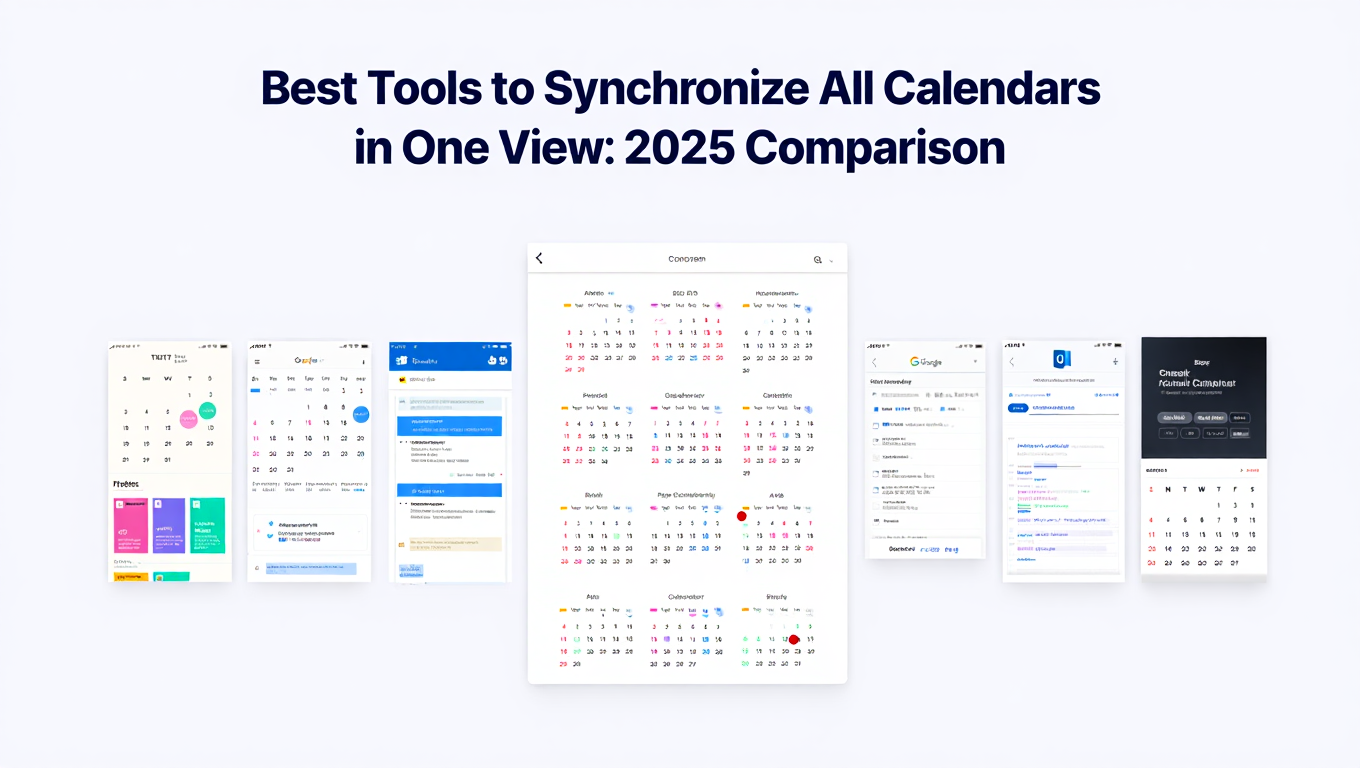
You need a tool that can synchronize all calendars in one view, but which one actually delivers both capabilities?
Most calendar tools excel at one thing while falling short on the other. Some provide excellent synchronization but force you to manage calendars in separate native apps. Others offer beautiful unified dashboards but lack true cross-platform synchronization. A few combine both features yet impose frustrating calendar limits that defeat the purpose for professionals managing multiple work and personal calendars.
This comprehensive comparison evaluates the leading tools available in 2025 for professionals who need to synchronize all calendars in one view without compromises.
- Which tools offer both synchronization AND unified viewing
- Calendar limits and per-calendar pricing models to avoid
- Real-time sync capabilities versus polling-based updates
- Platform support for Google, Outlook, iCloud, and Microsoft 365
- Privacy features for professionals syncing work and personal calendars
What Makes a Tool Effective for Calendar Synchronization
Before diving into specific tools, let's establish the criteria that separate truly effective solutions from inadequate ones.
True bidirectional synchronization means events created or modified on any calendar automatically update across all connected calendars. When you add an appointment to your Google Calendar, it should appear on your Outlook and iCloud calendars within seconds, not hours. Changes made on any calendar propagate everywhere.
Unified viewing dashboard consolidates all calendars into one interface where you can see every commitment without switching apps. This is not the same as viewing one calendar at a time in different tabs. Everything appears together with intelligent color coding and the ability to toggle calendars on and off.
Real-time or near-real-time updates eliminate the dangerous gap where calendars show outdated information. Tools that poll for changes every hour leave 60-minute windows where double bookings can occur. The best solutions use webhook notifications or frequent polling to maintain accuracy.
Unlimited or high calendar limits matter tremendously. Professionals commonly manage four to eight calendars when accounting for multiple work calendars, personal calendars, family calendars, and project calendars. Tools restricting users to six calendars force impossible choices about which calendars to exclude.
Privacy and visibility controls allow you to synchronize calendars while keeping sensitive information confidential. Syncing your personal calendar to your work calendar should not expose your therapy appointments or job interviews. Quality tools let you sync time blocks as "busy" without revealing event details.
The global calendar application market was valued at $5.71 billion in 2023 and is projected to reach $16.37 billion by 2030, growing at a compound annual growth rate of 10.4%. Despite this massive market, surprisingly few tools combine all the capabilities needed to truly synchronize all calendars in one view effectively.
Comparison Table: Tools at a Glance
Here is how the leading calendar synchronization tools compare across critical features:
The table reveals an important pattern. Native platform tools like Google Calendar and Outlook provide unified viewing for free but lack true synchronization. Specialized sync tools offer synchronization but many impose calendar limits or lack robust unified dashboards. Only a handful deliver the complete package.
Detailed Tool Analysis
Let's examine each tool in depth, evaluating strengths, limitations, and ideal use cases.
CalendHub: Unlimited Synchronization with Unified Dashboard
CalendHub.com positions itself as the comprehensive solution for professionals who refuse to compromise on calendar management capabilities.
Synchronization Capabilities
CalendHub provides true bidirectional synchronization across unlimited calendars without per-calendar fees. Connect every Google Calendar, Outlook calendar, iCloud calendar, and Microsoft 365 calendar you need. The platform handles synchronization complexity automatically, eliminating the need to configure individual calendar pairs.
Real-time synchronization ensures events appear across all calendars within seconds of creation or modification. When someone schedules a meeting on your Outlook calendar, CalendHub immediately blocks that time on your Google and iCloud calendars, preventing double bookings before they can occur.
Unified Viewing Experience
The CalendHub dashboard displays all synchronized calendars in one intuitive interface. Color-coded calendars make event sources immediately obvious. Toggle calendars on and off to focus on specific contexts, like viewing only work calendars during business hours or only personal calendars during evenings.
Unlike tools that show unified views but require you to edit events in native apps, CalendHub lets you create, modify, and delete events across any calendar directly from the unified dashboard. True single-pane-of-glass management.
Privacy and Customization
Granular privacy controls let you determine exactly what information syncs between calendars. Sync your personal calendar to your work calendar as "busy" blocks without exposing event titles or details. Configure different privacy levels for different calendar pairs based on context.
Ideal For
Professionals managing more than six calendars, teams requiring enterprise-grade reliability, anyone frustrated by per-calendar pricing models, and organizations needing zero-configuration calendar management across unlimited accounts.
Limitations
As a comprehensive enterprise solution, CalendHub focuses on professional and team use cases rather than casual personal calendar management. Pricing reflects the advanced capabilities and unlimited nature of the platform.
- No calendar limits: Synchronize 5, 15, or 50 calendars without restrictions
- No per-calendar fees: Pricing does not increase as you add more calendars
- Complete feature set: Both sync and unified view in one platform
- Enterprise reliability: Built for professionals who depend on accurate scheduling
- Zero complexity: Automatic configuration without manual calendar pair setup
OneCal: Fast Sync with Calendar Limits
OneCal built its reputation on synchronization speed, claiming to sync calendars five times faster than competitors with average sync completion in three minutes.
Synchronization Capabilities
OneCal supports bidirectional and unidirectional synchronization across Google Calendar, Outlook, and iCloud platforms. The setup process allows you to sync multiple calendars simultaneously rather than configuring one pair at a time.
Real-time synchronization pushes updates across calendars quickly. The platform emphasizes speed, with automatic syncs completing in minutes rather than hours like older solutions.
Unified Viewing Experience
OneCal's Calendar View feature displays all synchronized calendars together in one interface. A unique benefit is the ability to hide duplicate events created by synchronization, reducing visual clutter while maintaining accurate availability across platforms.
Privacy and Customization
Configure synchronization to show full event details or hide sensitive information. Set different privacy levels for different calendar pairs depending on whether you are syncing work to personal, personal to work, or calendar types with similar privacy requirements.
Ideal For
Individuals managing up to six calendars who prioritize synchronization speed and appreciate duplicate event hiding for cleaner calendar views.
Limitations
The six-calendar limit creates significant constraints for professionals juggling multiple work calendars, personal calendars, and family calendars. Many users discover they need to synchronize seven, eight, or more calendars, making OneCal's limit a deal-breaker. Per-calendar pricing means costs increase if you need more than the base plan includes.
CalendarBridge: Unified Calendar with Batch Sync
CalendarBridge differentiates itself with batch sync creation and a unified calendar interface that updates internet calendar subscriptions more frequently than native apps.
Synchronization Capabilities
CalendarBridge supports Google, Microsoft 365, Outlook, iCloud, and internet calendars via ICS URLs. The batch sync feature lets you create multiple synchronization pairs simultaneously, saving setup time.
Synchronization uses frequent polling rather than true real-time webhooks. While not instant, updates occur much faster than the 24 to 48 hour intervals common with native calendar subscriptions. This strikes a middle ground between instant and hopelessly outdated.
Unified Viewing Experience
The Unified Calendar feature combines all connected calendars into one interface similar to Google Calendar or Outlook but with enhanced capabilities. View, edit, and manage events across every connected calendar without switching apps.
CalendarBridge's unified view includes internet calendars via ICS URLs and refreshes them frequently, solving a common pain point where subscribed calendars show outdated information for days.
Privacy and Customization
Configure which event details appear in synchronized copies. Hide titles, descriptions, and locations while still blocking time as busy. Customize sync direction for one-way or two-way updates on each calendar pair.
Ideal For
Professionals who need unified viewing and synchronization for common platforms plus internet calendar subscriptions, especially those frustrated by how slowly Google Calendar and Outlook update subscribed calendars.
Limitations
Synchronization relies on polling rather than instant webhooks, creating small gaps where calendars might show outdated information. While much faster than native subscriptions, it does not match true real-time tools. Calendar limits vary by plan, potentially restricting users with many calendars.
SyncThemCalendars: Privacy-Focused Synchronization
SyncThemCalendars emphasizes privacy controls, allowing professionals to synchronize calendars while keeping sensitive event information completely hidden.
Synchronization Capabilities
SyncThemCalendars focuses primarily on Google and Outlook calendar synchronization with real-time updates. The platform monitors source calendars for changes and propagates updates across synchronized calendars quickly.
The privacy-first approach lets you hide any field in copied events, including titles, descriptions, locations, and attendee lists. This addresses the common concern of professionals who need to block time on work calendars without exposing personal appointments or vice versa.
Unified Viewing Experience
SyncThemCalendars brings all calendars into one view where you can toggle calendars on and off to control visibility. While functional, the unified view is not as polished as dedicated dashboard tools like CalendarBridge or CalendHub.
Privacy and Customization
This is where SyncThemCalendars excels. Granular privacy controls let you show events as simple "busy" blocks or customize exactly which fields appear in synchronized copies. Different calendar pairs can have different privacy settings.
Choose whether synced calendars display events from all other calendars or only copy from specific sources. Flexible configuration adapts to complex synchronization scenarios.
Ideal For
Privacy-conscious professionals who need to synchronize work and personal calendars without exposing sensitive information, especially those primarily using Google and Outlook ecosystems.
Limitations
Platform support focuses on Google and Outlook with less robust iCloud integration. The unified viewing interface is functional but less refined than alternatives. Calendar limits depend on plan selection.
Need better calendar management? CalendHub unifies all your calendars with smart scheduling and video conferencing.
Reclaim.ai: AI-Powered Calendar Sync
Reclaim.ai combines calendar synchronization with AI-powered scheduling optimization, automatically protecting time for focus work while keeping availability accurate across calendars.
Synchronization Capabilities
Reclaim.ai syncs calendars to ensure your availability stays current across platforms. The tool focuses on preventing over-scheduling by blocking time intelligently based on your work patterns and preferences.
Customize which events sync between calendars and set visibility preferences for different event types. Synchronization happens in real-time using calendar API webhooks.
Unified Viewing Experience
Reclaim.ai provides limited unified viewing compared to dedicated dashboard tools. The focus is more on AI-powered scheduling assistance and time protection than comprehensive calendar visualization.
Privacy and Customization
Configure synchronization to show specific event types while hiding others. Block time to prevent over-scheduling without exposing details about why time is blocked.
Ideal For
Professionals who want calendar synchronization combined with AI scheduling assistance and automatic focus time protection. Those who value smart time management over comprehensive unified viewing.
Limitations
The unified viewing experience is limited compared to tools focused specifically on calendar consolidation. Reclaim.ai's strength is AI-powered time management, not serving as a calendar dashboard replacement. The feature set may be more than needed for users who simply want to synchronize all calendars in one view without additional scheduling optimization.
Google Calendar: Free Unified Viewing Without Sync
Google Calendar serves as many professionals' primary calendar platform, offering robust unified viewing but lacking true cross-platform synchronization.
Viewing Capabilities
Google Calendar excels at displaying multiple calendars simultaneously. Subscribe to Outlook calendars via iCal URLs, add other Google calendars, and view everything overlaid with color coding. Toggle calendars on and off easily.
The interface is polished and familiar to most users. Mobile apps mirror desktop capabilities. Integration with Google Workspace makes this the default for many organizations.
Synchronization Limitations
Google Calendar shows other calendars but does not truly synchronize events between platforms. When you view your Outlook calendar in Google Calendar, you see Outlook events. However, your availability in Google Calendar does not reflect those Outlook events when others check your free and busy time using the Google Calendar scheduling features.
Subscribed calendars update slowly, typically every 24 hours. Events added to your Outlook calendar might not appear in Google Calendar until the next day.
Ideal For
Users primarily in the Google ecosystem who need to view other calendars as reference but do not require true cross-platform synchronization. Free tier makes this attractive for personal use.
Limitations
No true synchronization means your availability remains fragmented across platforms. Colleagues checking your Google Calendar availability will not see your Outlook commitments, leading to double bookings. Slow subscription updates mean outdated information persists for hours.
Outlook Calendar: Microsoft Ecosystem Integration
Outlook Calendar provides the calendar foundation for Microsoft 365 users, with strong integration across Microsoft products but limited cross-platform synchronization.
Viewing Capabilities
Outlook supports calendar overlays, letting you view multiple calendars simultaneously in one interface. Add calendars from your organization, subscribe to external calendars via iCal feeds, and manage everything in the Outlook interface.
Deep integration with Microsoft Teams, Exchange, and Outlook email makes this powerful within Microsoft-centric environments.
Synchronization Limitations
Like Google Calendar, Outlook shows subscribed calendars but does not truly synchronize events to reflect accurate availability across platforms. The Scheduling Assistant only sees calendars within the Microsoft 365 tenant, missing external calendars even if you view them in Outlook.
Ideal For
Organizations standardized on Microsoft 365 where most users operate within the Exchange ecosystem. Viewing other calendars as reference rather than achieving true cross-platform synchronization.
Limitations
No real cross-platform synchronization capability. Subscribed calendars update slowly. Professionals using multiple platforms beyond Microsoft 365 face the same availability fragmentation issues that drive them to seek synchronization solutions.
Calendar.com: Scheduling Platform with Unified View
Calendar.com combines scheduling features with unified calendar viewing, supporting up to 10 connected calendars in the dashboard.
Viewing Capabilities
Calendar.com's unified calendar feature displays multiple calendars simultaneously. Connect up to 10 different calendars across Google, Outlook, and other platforms. View everything from the Calendar.com dashboard.
Synchronization Limitations
Calendar.com focuses on scheduling and calendar viewing rather than true event synchronization between platforms. The tool helps you schedule meetings considering availability across calendars, but it does not copy events between calendars to maintain consistent availability everywhere.
Ideal For
Users who need scheduling assistance combined with viewing multiple calendars together, especially those who primarily need to see availability rather than synchronize events bidirectionally.
Limitations
The 10-calendar limit restricts professionals with extensive calendar needs. Lack of true synchronization means availability remains fragmented across platforms. Not designed as a comprehensive synchronization solution.
Key Decision Factors
When evaluating tools to synchronize all calendars in one view, consider these critical factors that separate solutions that work from those that disappoint.
How Many Calendars Do You Actually Need to Synchronize?
Count realistically. Most professionals have:
- Primary work calendar
- Secondary work calendar (project-specific or team calendar)
- Personal calendar
- Family shared calendar
- Side business or consulting calendar
That's already five calendars, potentially reaching six or seven with additional work projects or family members' calendars you monitor.
Tools imposing six-calendar limits force you to exclude calendars, defeating the purpose of comprehensive synchronization. Choose a platform that accommodates your actual calendar count, not an arbitrary limitation.
Do You Need True Sync or Just Unified Viewing?
Be honest about requirements. If you primarily need to see all calendars together for your own reference and operate mostly in one ecosystem, unified viewing might suffice.
However, if colleagues and external contacts schedule meetings with you across different platforms, or if you use scheduling tools that check specific calendar availability, you need true synchronization. Your availability must be accurate on every calendar, not just visible to you.
How Quickly Must Changes Propagate?
For some professionals, synchronization delays of 15 to 30 minutes pose no issues. For others, even five-minute gaps risk double bookings.
If you schedule back-to-back meetings across multiple calendars or work in fast-paced environments where availability changes constantly, prioritize real-time synchronization tools. If your calendar changes less frequently, polling-based solutions might work fine.
What Privacy Controls Do You Require?
Syncing work and personal calendars raises privacy concerns. At minimum, you need the ability to hide event details while still blocking time.
More sophisticated scenarios might require different privacy levels for different calendar pairs. Evaluate whether tools offer the granular control your situation demands.
What Is Your Budget Reality?
Calendar synchronization tools range from free viewing-only options to enterprise platforms with custom pricing. Understand both immediate costs and long-term expense.
Per-calendar pricing models that seem affordable for three calendars become expensive as you add more. Unlimited calendar platforms with higher base prices often cost less long-term for professionals managing many calendars.
Common Pitfalls When Choosing Calendar Sync Tools
Many professionals select synchronization tools based on incomplete evaluation, leading to frustration and wasted time. Avoid these mistakes.
Confusing Viewing with Synchronization
This is the most common error. Seeing multiple calendars together in one interface feels like synchronization, but it is not. True synchronization actively copies events between calendars to reflect accurate availability everywhere, not just shows calendars side-by-side for your reference.
Verify the tool actually synchronizes events bidirectionally, not just displays calendars together. Read documentation carefully. Terms like "view all calendars in one place" often mean viewing, not syncing.
Ignoring Calendar Limits Until You Hit Them
Six calendars sounds like plenty until you count your actual calendar needs. Many users sign up for tools, configure synchronization for their first few calendars, then discover they cannot add the remaining calendars they need.
Count your calendars before evaluating tools. Include calendars you currently manage plus calendars you would add if limits were not an issue. Choose tools that accommodate your actual requirements.
Overlooking Synchronization Delay Implications
Real-time versus hourly synchronization seems like a minor technical detail until it causes a double booking during a critical meeting.
Test synchronization speed before relying on any tool. Create an event on one calendar and time how long it takes to appear on synchronized calendars. Decide whether that delay is acceptable for your use cases.
Underestimating Privacy Configuration Importance
Professionals often rush through privacy settings during setup, accepting defaults, then discover their personal appointment details are visible on work calendars or vice versa.
Invest time configuring privacy correctly from the start. Create test events with sensitive information and verify they sync as expected with appropriate details hidden. Fix privacy settings before synchronizing your entire calendar history.
Choosing Based Solely on Price
Calendar synchronization quality varies dramatically. The cheapest option often imposes the most severe limitations, while the most expensive option might include features you do not need.
Evaluate total value, not just price. A tool that costs twice as much but eliminates calendar limits and provides true real-time sync might save you time and prevent double bookings worth far more than the price difference.
Platform-Specific Considerations
Calendar platforms have unique characteristics that affect synchronization tool selection.
Google Calendar Synchronization Considerations
Google Calendar users should verify synchronization tools support:
- Multiple Google accounts (work and personal Gmail accounts)
- Google Workspace delegation and shared calendars
- Google Calendar event types (events, reminders, tasks)
- Two-factor authentication and Google's security requirements
Google frequently updates API requirements and security policies. Choose established synchronization tools that maintain compatibility as Google evolves.
Outlook and Microsoft 365 Considerations
Microsoft environment synchronization requires:
- Support for both Outlook.com personal accounts and Microsoft 365 work accounts
- Exchange Server calendar synchronization for on-premises deployments
- Proper handling of Outlook availability (free, busy, tentative, out of office)
- Integration with Teams calendars in Microsoft 365 environments
Microsoft 365 admins often restrict third-party app access. Verify your organization allows calendar synchronization tools before committing to a solution.
iCloud Calendar Considerations
iCloud calendar synchronization proves more challenging than Google or Outlook due to Apple's more restrictive API access.
Verify tools properly support:
- iCloud calendar subscriptions and caldav access
- Apple Calendar app synchronization on Mac and iOS devices
- Family Sharing calendar integration
- iCloud two-factor authentication requirements
iCloud synchronization often has longer delays than Google or Outlook. Set expectations appropriately if iCloud is a primary calendar.
Platform-Agnostic Solutions
Tools like CalendHub.com that handle all platforms equally avoid the platform-specific quirks and limitations that plague tools optimized for specific ecosystems.
For professionals using calendars across Google, Microsoft, and Apple platforms, platform-agnostic solutions eliminate compatibility concerns and provide consistent synchronization regardless of calendar source.
Migration Strategy: Switching Calendar Sync Tools
If your current tool does not synchronize all calendars in one view effectively, migrating to a better solution requires planning.
Before Disconnecting Current Tool
Document your current synchronization configuration. Note which calendars sync to which, sync directions, privacy settings, and any custom rules.
Verify all calendars are currently synchronized correctly. Resolve any outstanding sync failures before migrating to ensure you start with clean data.
Export or backup critical calendar data if possible. While synchronization tools do not delete source calendar data, having backups provides peace of mind.
Setting Up New Tool
Configure the new synchronization tool completely before disconnecting the old tool. This allows parallel operation to verify the new tool works correctly.
Start with a small subset of calendars to test. Verify synchronization works properly, updates occur at acceptable speeds, and privacy settings function as expected.
Add remaining calendars after confirming the tool meets requirements. Take time to configure each calendar pair correctly.
Cleaning Up Duplicate Events
Switching synchronization tools often creates duplicate events. The old tool's synced copies remain while the new tool creates its own copies.
Most tools offer duplicate event hiding features. Enable these in your new tool to reduce clutter.
Alternatively, disconnect old synchronization tool first, manually delete synced event copies, then set up new tool. This is cleaner but creates a period without synchronization protection.
Monitoring After Migration
Watch closely for synchronization failures during the first week after migrating. Verify events sync correctly in both directions across all calendar pairs.
Test edge cases like recurring events, all-day events, and events with multiple attendees. These sometimes expose synchronization issues not apparent with simple events.
Confirm that privacy settings work correctly and sensitive information does not leak where it should not appear.
The Verdict: Which Tool Should You Choose?
Selecting the right tool to synchronize all calendars in one view depends on your specific requirements, but clear patterns emerge.
For professionals managing more than six calendars: CalendHub.com eliminates arbitrary calendar limits while providing both synchronization and unified viewing. The unlimited nature prevents the frustration of excluding calendars to fit artificial restrictions.
For individuals with exactly six or fewer calendars: OneCal delivers fast synchronization with unified viewing, though be prepared for limitations if your calendar count grows.
For privacy-focused users primarily in Google and Outlook ecosystems: SyncThemCalendars provides granular privacy controls, though platform support is more limited than alternatives.
For users seeking unified viewing without true synchronization: Google Calendar or Outlook Calendar provide free, familiar interfaces if you do not need accurate availability across platforms.
For teams requiring enterprise reliability: CalendHub.com focuses on professional-grade synchronization that organizations can depend on for business-critical scheduling.
The calendar synchronization landscape in 2025 offers more options than ever, yet many tools still force compromises between synchronization quality, unified viewing, calendar limits, and price. Evaluate options carefully against your actual requirements rather than accepting limitations as inevitable.
Tools that synchronize all calendars in one view without artificial restrictions, provide true real-time synchronization, and offer comprehensive unified dashboards deliver the complete solution professionals deserve. Accept nothing less than complete calendar control.
Ready to Simplify Your Schedule?
Join thousands of professionals who have unified their calendars and reclaimed their time with CalendHub's intelligent scheduling platform.
Related Articles
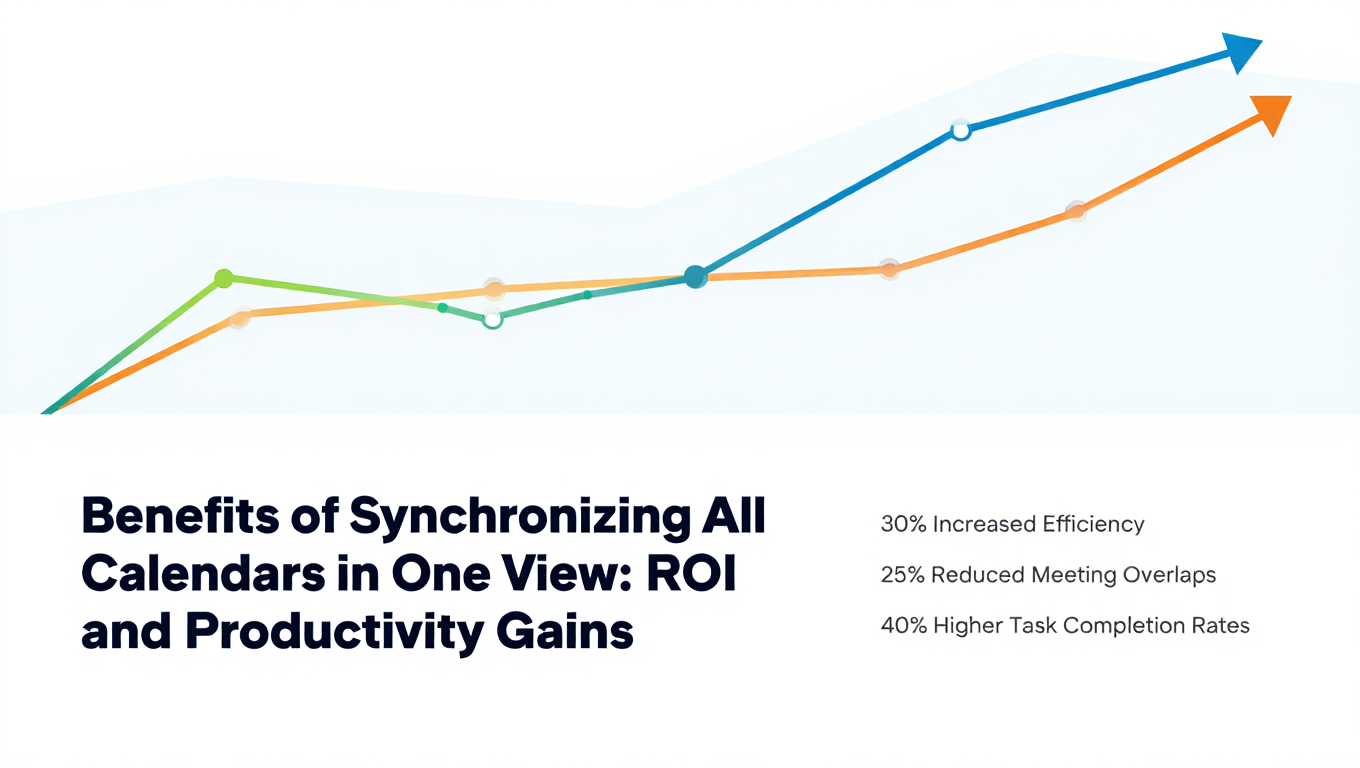
Benefits of Synchronizing All Calendars in One View: ROI and Productivity Gains
Discover the benefits of synchronizing all calendars in one view. See ROI data, productivity gains, reduced double bookings, and real-world business impact in 2025.
Best Bidirectional Calendar Sync Tools: 2025 Comparison Guide
Compare the best bidirectional calendar sync tools in 2025. Discover which platforms offer true two-way synchronization and which only provide one-way sync.
Best Two Way Calendar Sync Software: 2025 Expert Rankings & Comparison
Compare the top two-way calendar sync software tools. We tested 12 platforms for bidirectional sync speed, reliability, and field coverage to find which actually work.