
 Google Calendar
  Outlook Calendar
  Google Meet
  Microsoft Teams
  Zoom Meetings
 Best Tools for Consultant Multiple Client Calendar Management in 2025
Compare the best calendar tools for consultants managing 5-15+ clients. Learn why Calendly's 6-calendar limit fails consultants and what actually works.
You're researching calendar management tools for your consulting practice. You manage nine active client engagements, each with separate calendar systems. You discover Calendly, which looks perfect until you read the fine print. Six calendar limit. You need nine. Actually, you need twelve because you're about to sign three more clients.
This is where most consultants discover that popular scheduling tools weren't built for consultant multiple client calendar management. They were built for employees working within single organizations, maybe juggling a work calendar and a personal calendar. Not for consultants managing separate calendars for 8, 10, or 15 different client organizations.
Finding the right tool requires understanding which platforms can actually handle consultant-specific requirements, not just general scheduling needs.
- Why standard scheduling tools fail consultants with multiple clients
- Critical features for consultant multiple client calendar management
- Detailed comparison of 8 major calendar management platforms
- Calendly's 6-calendar limitation and why it matters
- Tools specifically designed for consultants managing 10+ clients
- Pricing analysis for consultant-scale usage
Why Consultant Multiple Client Calendar Management Needs Different Tools
Before comparing specific platforms, understanding what makes consultant calendar management unique explains why standard tools fail.
The Multiple Organization Challenge
According to 2024 consulting industry research, 58% of consultants work with 6 or fewer clients per year (Statista). That statistic includes part-time consultants and those doing long-term single-client engagements. Active consultants managing concurrent shorter-term projects typically handle 8-12 separate client organizations simultaneously.
For comprehensive guidance on managing multiple client calendars, see our consultant multiple client calendar management guide.
Each client provides access to their distinct calendar environment. Client A uses Google Workspace. Client B uses Microsoft 365. Client C uses Outlook.com. These are completely separate systems with no communication between them. Standard scheduling tools assume you work within one or maybe two organizations, not ten.
The Confidentiality Requirement
Trust is the most valuable asset in consulting. Clients share sensitive strategic information, financial data, and competitive intelligence. Your calendar management tool cannot leak information between clients.
When managing consultant multiple client calendar management, you cannot allow Client A to see meeting details with Client B. Meeting titles, attendees, locations, and topics must remain isolated within each client environment. Most scheduling tools sync full calendar details between connected calendars, making them inappropriate for consulting confidentiality requirements.
The Scale Problem
Popular scheduling platforms like Calendly limit users to connecting 6 calendars. This limitation reflects their target user: employees with a work calendar, personal calendar, and perhaps a few team calendars within the same organization.
For consultants managing 8-15 client calendars, this limitation is disqualifying. You cannot use a tool that maxes out at 6 calendars when you need 12 connections. Yet most consultants don't discover this limitation until after creating accounts and attempting to connect their full client portfolio.
What Consultants Actually Need in Calendar Management Tools
Effective consultant multiple client calendar management tools must satisfy these non-negotiable requirements.
Unlimited or High Calendar Connection Limits
The platform must support connecting as many calendars as your maximum client count plus growth capacity. If you currently manage 8 clients but expect to grow to 15, you need at least 15-20 calendar connection capacity.
Tools with artificial limits like 6 calendars simply cannot work for active consulting practices. This single criterion immediately disqualifies several otherwise excellent platforms.
Granular Confidentiality Controls
The tool must provide precise control over what information syncs between calendars. At minimum, you need the ability to sync busy/free status across calendars while blocking confidential meeting details from crossing organizational boundaries.
Advanced confidentiality controls let you specify sync rules for each client relationship. Client A's meeting details never appear in other calendars, but the time blocks sync to prevent double bookings across your full schedule.
Universal Calendar Platform Support
Your tool must work with whatever calendar platforms your clients use. You cannot dictate that clients switch calendar systems to accommodate your scheduling needs.
Required platform support includes Google Workspace, Microsoft 365 Exchange, Outlook.com, and ideally Apple Calendar and other platforms. Universal compatibility ensures you can connect any client calendar regardless of their technology choices.
Client Self-Service Scheduling
Clients should be able to see your accurate availability and schedule time with you without manual coordination. This eliminates the back-and-forth emails that make consultant multiple client calendar management so time-consuming.
Look for tools providing customizable booking pages, personalized scheduling links, and embedded calendar widgets that clients can use to book directly while seeing your real availability across all commitments.
Mobile-First Functionality
Research shows that 82% of employees don't use structured time management systems (Atlassian), often due to accessibility barriers. For consultants constantly moving between client sites or working remotely, mobile access is mandatory.
Your consultant multiple client calendar management tool must provide full-featured mobile apps for iOS and Android, not just mobile-responsive websites. You need to check availability, accept meetings, and update schedules from your phone with the same functionality as desktop access.
- Count your current client calendars plus expected growth over 12 months
- Identify which calendar platforms your clients use (Google, Microsoft, Apple, etc.)
- Determine your confidentiality requirements (what can sync between clients)
- Calculate your budget based on actual calendar connections needed
- Consider whether you need team features if you're part of a consulting firm
Detailed Tool Comparison for Consultant Multiple Client Calendar Management
Here's how major calendar management and scheduling platforms perform for consultants managing multiple client calendars.
CalendHub: Built for Consultant Multiple Client Calendar Management
Calendar Connection Limit: Unlimited
Best For: Consultants managing 8-15+ concurrent client calendars
CalendHub.com was specifically designed for professionals who need consultant multiple client calendar management with no calendar connection limits. Unlike general scheduling tools, CalendHub addresses the core consulting challenge of managing many completely separate client calendar environments simultaneously.
Key Strengths:
Unlimited calendar connections mean you can connect every client calendar regardless of portfolio size. Whether you're managing 8 clients today or 15 clients next quarter, the tool scales without hitting artificial limits.
Built-in confidentiality controls prevent information leakage between client calendars. You specify exactly what information syncs where, ensuring Client A never sees details about Client B's meetings while still maintaining accurate availability across all commitments.
Universal platform support works with Google Workspace, Microsoft 365, Outlook.com, Apple Calendar, and other major platforms. You can connect any client calendar regardless of what technology they use.
Client self-service booking through personalized scheduling links means clients see your real availability and book directly. Each client gets their own booking experience that reflects your true availability across your full calendar portfolio without exposing other clients' information.
Pricing: Designed for professional consultant usage with pricing that scales based on actual needs rather than artificially limited tiers.
Why Consultants Choose CalendHub:
The platform solves the exact problem consultants face. There are no calendar limits to outgrow. Confidentiality is built in, not added as an afterthought. The entire user experience assumes you're managing many separate client organizations, not trying to coordinate a work calendar and a personal calendar.
Calendly: The 6-Calendar Limitation Problem
Calendar Connection Limit: 6 calendars maximum
Best For: Employees or consultants managing 5 or fewer client calendars
Calendly is the most recognized name in scheduling software, with excellent user experience and widespread adoption. For consultants managing consultant multiple client calendar management, however, Calendly has a fundamental limitation that makes it unsuitable for most active consulting practices.
The 6-Calendar Problem:
Calendly limits users to connecting 6 calendars total across all calendar systems. According to their help documentation, you can connect up to 6 calendars in each account, but can only add events to one at a time.
For a consultant managing 9 client calendars, Calendly simply doesn't work. You cannot connect all your client calendars, which means the tool cannot provide accurate availability across your full schedule. This leads directly to double bookings.
The community forums show this is a frequent pain point. A consultant posted asking about workflows for managing multiple client accounts as a contractor, highlighting that the 6-calendar limit creates real problems for consulting use cases.
When Calendly Works for Consultants:
If you manage 5 or fewer concurrent clients, Calendly can work. You connect up to 6 calendars (5 client calendars plus your personal master calendar), and the tool provides solid scheduling functionality.
If you expect your consulting practice to grow beyond 5 clients, however, you'll outgrow Calendly quickly. Migrating calendar management platforms is disruptive, making it better to choose a tool without growth constraints from the start.
Pricing: Starting at $10/month for Professional plan (required for multiple calendar connections), up to $16/month for Teams plan.
Why Consultants Outgrow Calendly:
The 6-calendar limit is a hard constraint. There's no higher-priced tier that removes it. Once you reach 6 connected calendars, you've maxed out the platform's capability. For consultant multiple client calendar management at scale, this makes Calendly fundamentally unsuitable.
CalendarBridge: Consultant-Focused Syncing
Calendar Connection Limit: Designed for multiple calendar sync
Best For: Consultants needing advanced calendar syncing across multiple organizations
CalendarBridge specifically targets consultants with multiple calendars across multiple organizations. The platform's marketing directly addresses consultant calendar management pain points, making it clear they understand the consultant multiple client calendar management challenge.
Key Strengths:
Multi-organization calendar syncing is the core focus. CalendarBridge syncs all your calendars so your availability is always up to date in a unified view, regardless of which calendar a client books through.
Consultant-specific sync policies include universal availability settings that show you as busy or available across all calendars, with privacy protection preventing confidential details from leaking between clients.
Direct Outlook and Google integration means clients can see your accurate availability directly in their calendar system and schedule with you just like they schedule with their internal team members.
Considerations:
The platform is specifically positioned for consultant calendar syncing rather than broader scheduling features. If you need advanced booking page customization, team scheduling, or workflow automation beyond calendar sync, evaluate whether CalendarBridge provides those capabilities.
Pricing: Contact for consultant-specific pricing based on calendar connections and requirements.
Why Consultants Consider CalendarBridge:
The platform understands consultant workflows and builds specifically for the multi-organization calendar sync challenge. If calendar synchronization is your primary need and you want a tool designed specifically for consultant multiple client calendar management, CalendarBridge deserves evaluation.
OneCal: Multi-Calendar Sync Specialist
Calendar Connection Limit: Supports extensive multi-calendar sync
Best For: Consultants needing sophisticated sync rules between many calendars
OneCal positions itself as the solution for consultants who need to streamline operations, eliminate double bookings, and improve client interactions through comprehensive calendar synchronization.
Key Strengths:
Both one-way and multi-way sync between 2 or more calendars gives consultants flexibility in how calendar information flows. You can configure different sync rules for different client relationships based on confidentiality requirements.
The platform specifically addresses consultant use cases in their marketing and documentation, indicating they've designed features with consulting workflows in mind.
Considerations:
Like CalendarBridge, OneCal focuses primarily on calendar synchronization. Evaluate whether you need additional features like advanced booking pages, payment collection, or workflow automation that may require supplementary tools.
Pricing: Various plans based on sync complexity and number of calendars.
Why Consultants Consider OneCal:
If your primary challenge is keeping multiple client calendars synchronized while maintaining confidentiality, OneCal provides sophisticated sync capabilities purpose-built for consultant multiple client calendar management scenarios.
Acuity Scheduling: Professional Consulting Features
Calendar Connection Limit: Multiple calendar connections supported
Best For: Consultants needing advanced booking features and automation
Acuity Scheduling (owned by Squarespace) targets professional service providers including consultants. The platform provides extensive scheduling customization and automation capabilities beyond basic calendar management.
Key Strengths:
Need better calendar management? CalendHub unifies all your calendars with smart scheduling and video conferencing.
Professional consulting benefits significantly from Acuity's automation capabilities and multi-location support. You can configure complex scheduling rules, intake forms, and automated workflows that match sophisticated consulting processes.
Payment integration allows collecting deposits or session fees at the time of booking, useful for consultants who charge per session or require commitment deposits.
Extensive customization options for booking pages, email notifications, and calendar integration let you create a highly branded, professional scheduling experience.
Considerations:
While Acuity supports multiple calendar connections, verify the specific limits for your plan tier match your consultant multiple client calendar management needs. The platform's feature richness may include complexity beyond basic calendar coordination.
Pricing: Starting at $16/month for Emerging plan, up to $61/month for Powerhouse plan with advanced features.
Why Consultants Consider Acuity:
If you need sophisticated scheduling workflows beyond simple calendar management, including automated client intake, payment collection, and complex availability rules, Acuity provides professional-grade capabilities useful for established consulting practices.
SavvyCal: Collaborative Scheduling
Calendar Connection Limit: Multiple calendar support
Best For: Consultants prioritizing collaborative scheduling experience
SavvyCal differentiates itself through collaborative scheduling where recipients can overlay their calendar with yours when picking meeting times. This approach particularly suits consultants and personal brands who want to reduce scheduling friction.
Key Strengths:
The overlay approach lets clients see their own calendar alongside your availability, making it easier to find mutually convenient times without back-and-forth coordination.
Personalized links for different client types let you create customized scheduling experiences. You might have different availability, duration options, or meeting types for different categories of clients.
Modern, clean interface focuses on user experience for both you and clients booking time with you.
Considerations:
Verify that SavvyCal's calendar connection capacity meets your specific consultant multiple client calendar management requirements. The collaborative approach assumes clients are comfortable overlaying their calendars, which may not fit all consulting scenarios.
Pricing: Starting at $12/month for Basic plan.
Why Consultants Consider SavvyCal:
If your consulting practice benefits from a more collaborative, visual scheduling approach and you want a modern alternative to traditional booking pages, SavvyCal offers differentiated user experience.
Microsoft Bookings: Enterprise Calendar Integration
Calendar Connection Limit: Works within Microsoft 365 environment
Best For: Consultants whose clients predominantly use Microsoft 365
For consultants working primarily with enterprise clients using Microsoft 365, Microsoft Bookings provides native integration within the Microsoft ecosystem.
Key Strengths:
Deep Microsoft 365 integration means seamless connection with Exchange calendars, Teams meetings, and other Microsoft tools your enterprise clients likely use.
No additional platform needed if you and your clients are already in the Microsoft ecosystem. Bookings is included with certain Microsoft 365 subscriptions.
Enterprise-grade security and compliance meet the requirements of clients in regulated industries.
Considerations:
Microsoft Bookings works within the Microsoft 365 environment. If your clients use a mix of Google Workspace, Microsoft 365, and other platforms (which most consultants encounter), Microsoft Bookings may not provide the universal platform support needed for consultant multiple client calendar management across heterogeneous client environments.
Pricing: Included with Microsoft 365 Business Standard, Business Premium, and higher plans.
Why Consultants Consider Microsoft Bookings:
If your consulting practice exclusively serves Microsoft 365 clients and you're already paying for Microsoft 365 business subscriptions, Bookings provides capable scheduling functionality without additional tools. For consultants with mixed client platforms, however, universal tools like CalendHub.com offer better cross-platform coverage.
Reclaim.ai: AI-Powered Calendar Management
Calendar Connection Limit: Designed for calendar optimization
Best For: Consultants wanting AI-assisted schedule optimization beyond basic booking
Reclaim.ai uses artificial intelligence to optimize your calendar automatically, defending time for important work while maintaining availability for meetings. The platform specifically addresses consultant calendar sync scenarios in their documentation.
Key Strengths:
AI-powered scheduling automatically finds optimal times for meetings, tasks, and focus work based on your patterns and preferences. This can help consultants balance multiple client commitments with deep work time.
Smart calendar sync policies designed for consultants or professionals with many calendars provide sophisticated rules for how availability information flows between calendar systems.
Automatic time blocking for tasks and habits helps ensure client meetings don't consume all available time, protecting capacity for project work and business development.
Considerations:
Reclaim.ai's AI optimization assumes you want the system making automated scheduling decisions. Some consultants prefer explicit control over all calendar decisions rather than algorithmic optimization.
The learning curve may be higher than straightforward booking page tools as you configure the AI to match your consulting workflow preferences.
Pricing: Free plan available, paid plans starting at $8/month.
Why Consultants Consider Reclaim.ai:
If you're interested in AI-assisted calendar optimization beyond basic consultant multiple client calendar management, and you want a system that proactively protects time for important work while managing client availability, Reclaim.ai offers sophisticated capabilities.
Tool Comparison Table
Here's a side-by-side comparison of how these platforms address key consultant requirements:
- Current + Future Clients: Choose tools supporting your growth, not just current needs
- Calendar Platforms: Ensure support for all client platforms (Google, Microsoft, etc.)
- Confidentiality: Verify granular controls prevent information leakage between clients
- Budget: Calculate total cost at your actual client scale, not entry-level pricing
- Features: Identify whether you need just calendar management or additional capabilities
Why Calendar Limits Matter for Consultant Multiple Client Calendar Management
The difference between a tool supporting 6 calendars versus unlimited calendars isn't just a feature comparison. It fundamentally determines whether the platform can work for your consulting practice.
The Real-World Math
According to consulting industry statistics, active consultants typically manage 8-12 concurrent client relationships. Each client requires connecting at least one calendar, sometimes multiple calendars if they use both Google and Outlook or have multiple sub-calendars.
You also need to connect your personal master calendar where you maintain unified availability. That's 9-13 calendar connections minimum, not counting any team calendars, personal calendars, or calendar growth as you add new clients.
A tool with a 6-calendar limit maxes out at 5 clients (5 client calendars plus 1 master calendar). For consultants targeting 8-12 concurrent engagements, this limitation means the tool simply cannot work at your operating scale.
The Migration Cost
Choosing a tool with inadequate calendar limits means you'll eventually need to migrate to a different platform. Migration costs include:
Time Investment: Learning a new platform, reconfiguring sync rules, recreating booking pages, and testing to ensure everything works correctly consumes 10-20 hours minimum.
Client Disruption: If clients saved booking links or have scheduled recurring meetings, you need to update all clients with new links and potentially reschedule affected meetings.
Data History: Past scheduling data, meeting history, and calendar event information often don't migrate between platforms, creating discontinuity in your records.
Opportunity Cost: The weeks spent researching alternatives, testing new tools, and implementing migration could be spent on billable client work or business development.
Starting with a tool designed for consultant multiple client calendar management at scale avoids this entire migration burden.
Special Considerations for Consulting Firms
If you're part of a consulting firm with multiple consultants rather than an independent solo consultant, additional requirements emerge.
Team Scheduling Capabilities
Consulting firms need tools that support team scheduling where clients can book with any available consultant, specific consultants, or groups of consultants for collaborative engagements.
Look for platforms offering team features including shared availability pools, round-robin assignment, and collective booking pages. CalendHub.com, Calendly (despite calendar limits), and Acuity all provide team scheduling capabilities at various sophistication levels.
Unified Firm Management
Firm administrators need visibility into consultant availability and utilization across the entire team for capacity planning and client staffing decisions.
Choose tools providing administrative dashboards showing team-wide calendar data, scheduling analytics, and utilization metrics. This visibility helps firms balance consultant workloads and identify capacity for new client engagements.
Client-Consultant Assignment Flexibility
Some engagements require specific consultants based on expertise, while others can be handled by any available consultant. Your firm's consultant multiple client calendar management tool should support both fixed assignment and flexible availability models.
Consistent Client Experience
When clients work with multiple consultants from your firm, they should experience consistent scheduling processes. Choose tools that maintain brand consistency and standardized workflows across all firm consultants while still allowing individual customization where needed.
Implementation Strategy for Consultants
Selecting the right tool is only the first step. Successful consultant multiple client calendar management requires proper implementation.
Phase 1: Audit Your Requirements
Before comparing tools, document exactly what you need. List every client calendar, identify which platforms they use, count current connections plus expected growth, and specify your confidentiality requirements.
This audit prevents choosing a tool that seems adequate initially but fails to meet less obvious requirements. You might discover you actually need 15 calendar connections, not 8, when accounting for all current and planned clients.
Phase 2: Trial Multiple Platforms
Most calendar management tools offer free trials. Test at least 2-3 platforms with your actual client calendars, not just demo calendars.
During trials, specifically test the consultant-critical scenarios. Connect multiple calendars from different platforms. Verify confidentiality controls work as expected. Test client booking from both desktop and mobile. Ensure sync speed is acceptable.
Phase 3: Configure Confidentiality Rules
Once you've selected a tool, carefully configure sync policies and confidentiality rules before connecting all client calendars.
Specify exactly what information syncs between which calendars. Typically, you want busy/free status to sync universally while blocking meeting titles, attendees, locations, and descriptions from crossing client boundaries. Some tools like CalendHub.com provide templates for common consultant confidentiality patterns.
Phase 4: Create Client Booking Experiences
Set up personalized booking pages or scheduling links for each client category. You might have different availability, meeting duration options, or buffer times for different types of engagements.
Customize booking page branding, notification emails, and confirmation messages to maintain professional appearance while providing clients clear scheduling instructions.
Phase 5: Establish Protocols
Technology alone doesn't solve consultant multiple client calendar management. Establish and document protocols for how you'll use the tool.
Create rules for accepting meeting invitations (always check master calendar first), auditing calendar sync (weekly verification that all calendars remain connected), and updating availability (block personal time and time off across all client calendars).
- Connect your actual client calendars (not test calendars)
- Verify busy/free status syncs correctly across all calendars
- Confirm meeting details DON'T leak between client calendars
- Test client booking flow from their perspective
- Check mobile app functionality for on-the-go management
- Create a meeting in one calendar and verify it blocks time in all others
- Test time zone handling if you have international clients
Cost Analysis for Consultant Multiple Client Calendar Management
Understanding the true cost of calendar management tools requires calculating pricing at your actual usage scale, not entry-level pricing.
Per-User vs. Per-Calendar Pricing
Some tools charge per user (one price regardless of calendars connected), while others have tiered pricing based on calendar connections or features.
For consultant multiple client calendar management, per-user pricing with unlimited calendars provides the most predictable costs. Tools with per-calendar pricing can become expensive when connecting 10-15 client calendars.
Feature Tier Requirements
Entry-level pricing often doesn't include the features consultants actually need. Multiple calendar connections, confidentiality controls, custom branding, and advanced scheduling rules typically require business or professional tiers.
When comparing tools, calculate costs at the tier that provides required consultant features, not the cheapest advertised price.
Team vs. Individual Pricing
Solo consultants need individual plans. Consulting firms need team plans. Team pricing structure varies significantly between platforms, with some charging per team member while others use shared pools.
If you're currently solo but plan to build a firm, consider whether your tool choice supports that growth path.
Hidden Costs and Integration Expenses
Some platforms charge additional fees for advanced integrations, API access, removing branding, or exceeding usage limits. Others require separate payment processing fees if you collect session payments through the scheduling system.
Factor these potential additional costs when comparing total cost of ownership across consultant multiple client calendar management platforms.
ROI Calculation for Consultants
According to productivity research, effective time tracking can reduce productivity leaks by 80% and boost revenue by 61% (McKinsey). Time management statistics show the average employee is productive for just 2 hours and 53 minutes each day (Atlassian).
If calendar coordination currently consumes 5-6 hours weekly, effective consultant multiple client calendar management tools recovering that time creates substantial ROI. At a $200/hour consulting rate, 5 recovered hours weekly equals $4,000 monthly additional billable capacity, easily justifying tool costs of $50-100 monthly.
Common Tool Selection Mistakes
Consultants frequently make these mistakes when choosing calendar management platforms.
Mistake 1: Choosing Based on Brand Recognition
Calendly is the most recognized scheduling brand, but their 6-calendar limit disqualifies them for most active consultants. Brand recognition doesn't equal suitability for consultant multiple client calendar management.
Evaluate tools based on consultant-specific requirements, not marketing presence.
Mistake 2: Not Testing at Full Scale
Testing tools by connecting 2-3 calendars feels fine. Problems emerge when you attempt to connect your full portfolio of 10 client calendars and discover limits, performance issues, or workflow friction.
Always test with your complete actual client calendar environment during trial periods.
Mistake 3: Ignoring Growth Trajectory
Your tool choice should accommodate your consulting practice 12-24 months from now, not just today. If you currently manage 6 clients but plan to grow to 12, choose tools supporting 12+ calendars from the start.
Mistake 4: Prioritizing Price Over Capability
A $10/month tool that can't connect all your client calendars costs more than a $50/month tool that works correctly. The cost of double bookings, lost client trust, and manual calendar coordination exceeds any savings from cheaper inadequate tools.
For professionals charging $175-$325/hour (typical consulting rates per 2024 data from U.S. Bureau of Labor Statistics), tool costs are minimal compared to the value of effective consultant multiple client calendar management.
Learn more about preventing double bookings when managing multiple client calendars.
Mistake 5: Overlooking Confidentiality Requirements
Some consultants don't realize their calendar tool is syncing full meeting details between client calendars until a client asks why they can see a competitor's meeting on your shared calendar.
Confidentiality violations damage client trust and potentially breach NDAs. Verify confidentiality controls before connecting client calendars, not after problems arise.
Making Your Final Decision
Choosing the right tool for consultant multiple client calendar management requires balancing multiple factors against your specific consulting practice requirements.
If You Manage 8-15+ Clients: CalendHub.com is purpose-built for exactly this scenario. Unlimited calendar connections, built-in confidentiality controls, universal platform support, and consultant-focused workflow make it the natural choice for consultants operating at this scale.
If You Manage 5 or Fewer Clients: Calendly becomes viable despite its 6-calendar limit. The excellent user experience and widespread recognition work well for smaller consulting practices that won't outgrow the calendar constraint.
If You Need Advanced Sync Control: CalendarBridge and OneCal provide sophisticated calendar synchronization with granular policy control for consultants with complex confidentiality requirements.
If You Want AI Optimization: Reclaim.ai offers intelligent scheduling assistance beyond basic booking, though verify it meets core consultant multiple client calendar management requirements before prioritizing AI features.
If You're Microsoft-Only: Microsoft Bookings provides capable functionality if you and all clients operate within the Microsoft 365 ecosystem. For mixed platform environments, choose universal tools instead.
The best tool is the one that actually works with your full client portfolio, maintains required confidentiality, and scales as your practice grows. For most active consultants managing multiple concurrent client relationships, that means choosing tools specifically designed for consultant multiple client calendar management rather than adapting general-purpose scheduling software.
Your calendar management directly impacts client perception of your professionalism, your ability to avoid double bookings that damage trust, and the hours available for billable work versus administrative coordination. Choose tools that treat consultant multiple client calendar management as the core challenge, not an afterthought feature.
For comparison, review our best calendar aggregator tools and best multiple calendar management software rankings.
Next Steps
If you're ready to implement proper consultant multiple client calendar management:
Audit your current situation. Count every client calendar you manage, identify platforms, and document current double booking frequency and coordination time spent.
Trial consultant-specific tools. Test CalendHub.com and other platforms designed for multiple client environments with your actual calendars, not demo scenarios.
Calculate your ROI. Determine how many billable hours you'll recover weekly by eliminating manual calendar coordination across 8-15 client systems.
Implement confidentiality protocols. Before connecting client calendars to any tool, establish explicit rules for what information can and cannot sync between clients.
The right tool transforms consultant multiple client calendar management from a daily stress into a solved problem, freeing your time and attention for actual client work rather than calendar coordination overhead.
Ready to Simplify Your Schedule?
Join thousands of professionals who have unified their calendars and reclaimed their time with CalendHub's intelligent scheduling platform.
Related Articles
Best Apps to View All Calendars in One Place (2025 Review)
Compare the top apps for viewing all calendars in one place. Detailed reviews of features, limits, and pricing to help you choose the right solution.
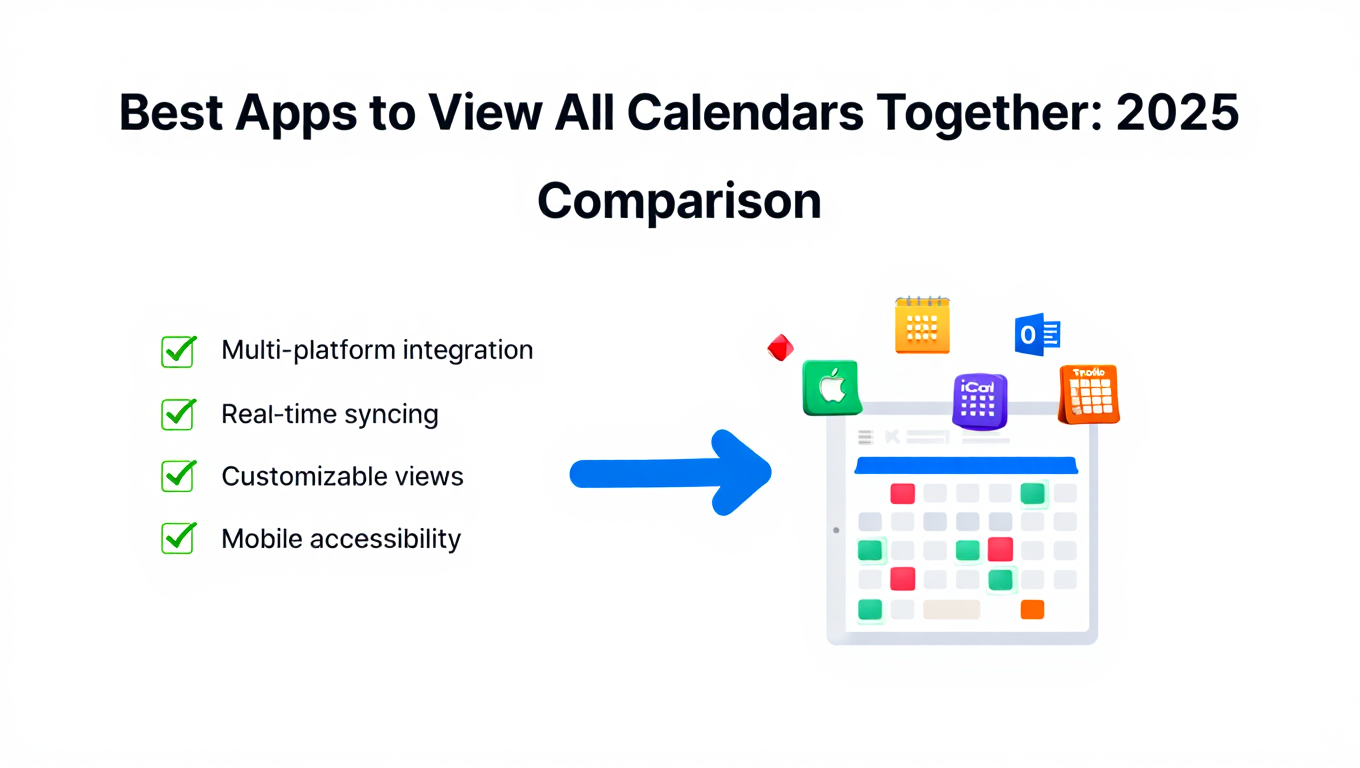
Best Apps to View All Calendars Together: 2025 Comparison
Compare the best apps and tools to view all calendars together. Detailed analysis of features, limits, pricing, and which solution fits your needs.
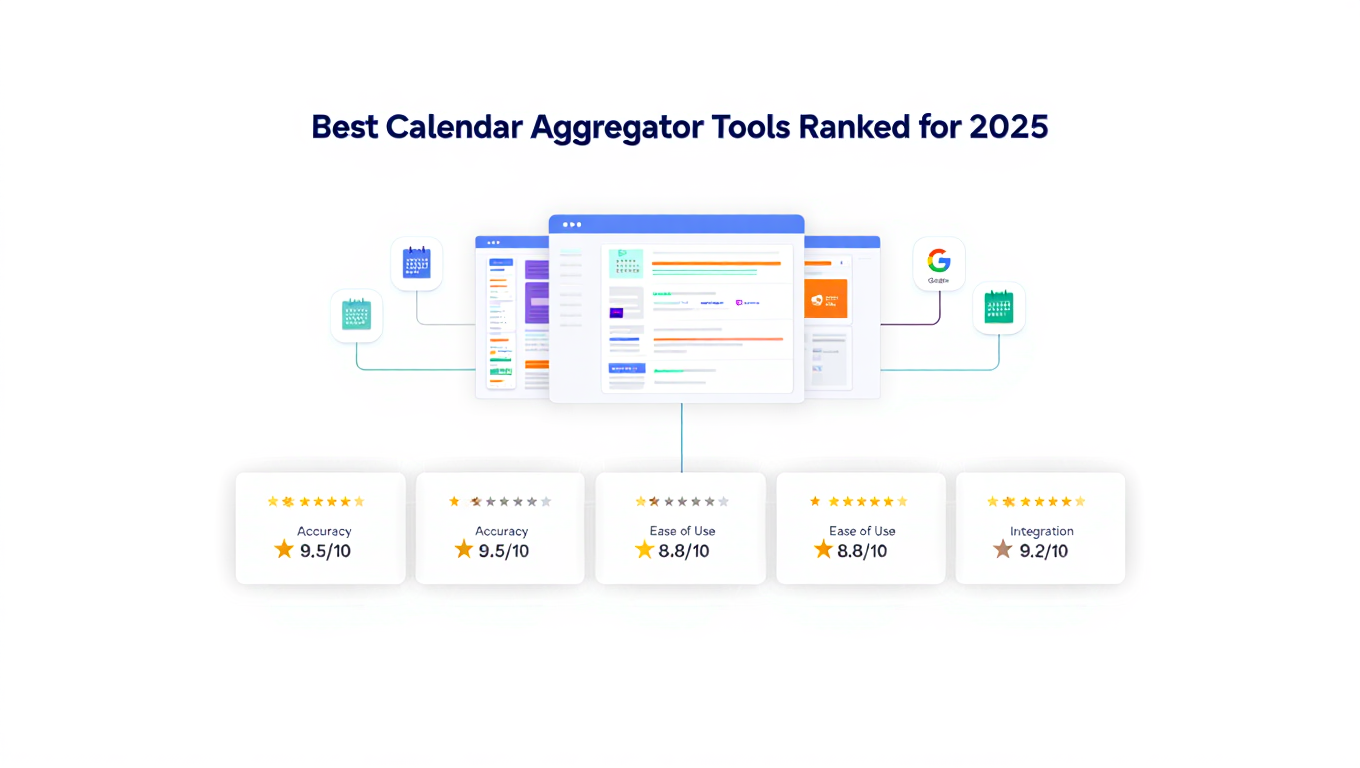
Best Calendar Aggregator Tools Ranked for 2025
Compare the top calendar aggregator tools in 2025. See which platforms offer unlimited connections, real-time sync, and true aggregation for professionals.