
 Google Calendar
  Outlook Calendar
  Google Meet
  Microsoft Teams
  Zoom Meetings
 Sync Salesforce with CalendHub: Complete Integration Guide 2025
Connect Salesforce CRM events to CalendHub with bidirectional sync for sales meeting management and pipeline visibility.
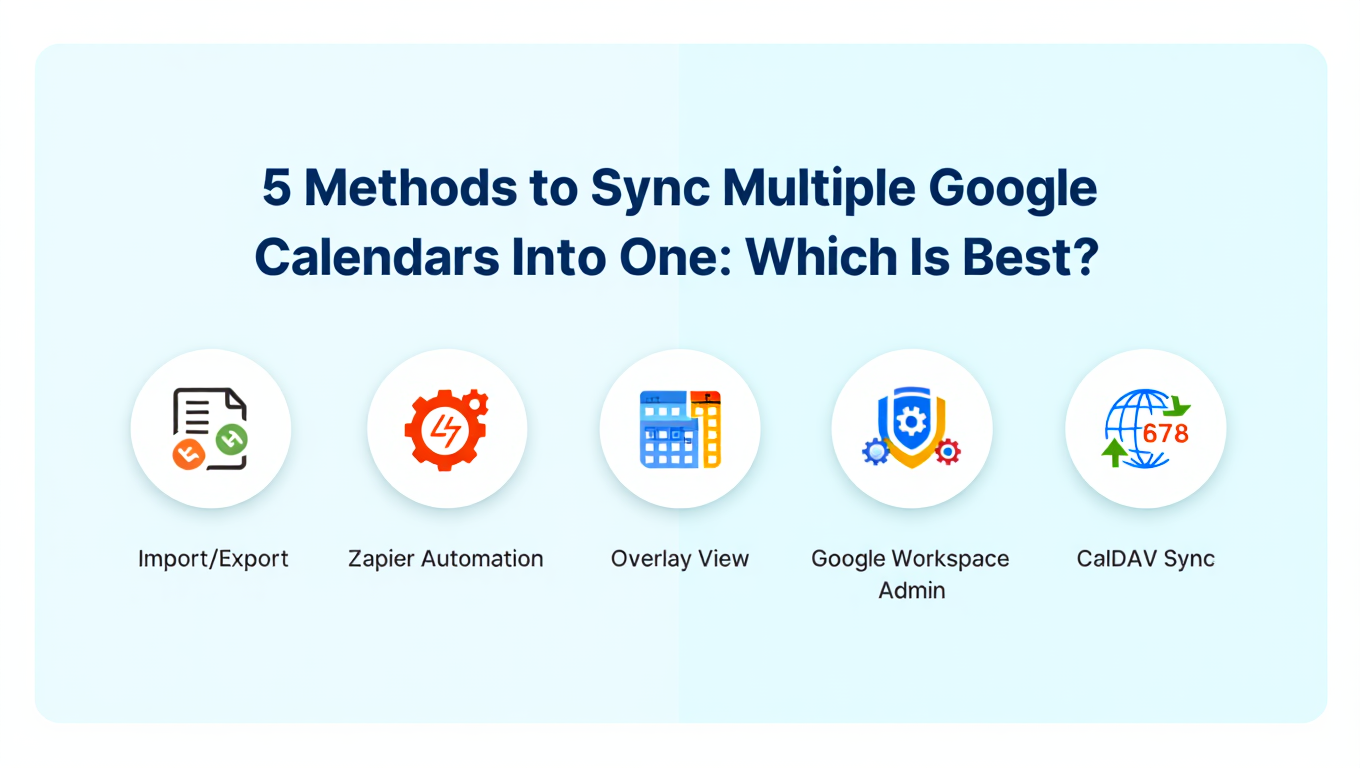
Salesforce is the world's most widely used CRM, and for sales teams, it's where every customer interaction should be documented. But sales reps live in their calendars, not in Salesforce. When meetings are scheduled on Google Calendar or Outlook but never logged in Salesforce, managers lose visibility into pipeline activity and reps miss opportunities to connect meetings with deals.
Syncing Salesforce with CalendHub.com creates a bidirectional bridge between your CRM and your calendar. Meetings logged in Salesforce appear on your calendar automatically, and calendar events flow back into Salesforce as activities. This advanced integration keeps both systems accurate without requiring reps to double-enter anything.
- How to connect Salesforce to CalendHub for bidirectional event sync
- Mapping Salesforce events, tasks, and activities to calendar entries
- Configuring sync rules for different Salesforce object types
- Troubleshooting enterprise-level Salesforce sync challenges
- Advanced techniques for sales organizations managing hundreds of reps
Why Sync Salesforce with Your Calendar?
The gap between CRM data and calendar data is one of the biggest productivity drains in sales organizations. Reps who manually log meetings waste time on data entry. Reps who don't log meetings create blind spots in the pipeline.
Eliminate manual activity logging. When calendar meetings automatically create Salesforce activities, reps can focus on selling instead of CRM housekeeping. Every client call, demo, and follow-up meeting is captured without anyone lifting a finger.
Give managers real pipeline visibility. Sales leaders rely on Salesforce data to forecast revenue and coach reps. When meetings are synced, managers can see exactly how many client touchpoints each rep has this week, which deals have upcoming meetings, and which accounts are going cold. For the foundation of multi-calendar sync, see our guide to syncing multiple calendars.
Connect meetings to the right deals and contacts. CalendHub can match calendar events to Salesforce contacts and opportunities based on attendee email addresses. This means meetings don't just get logged, they get linked to the right records automatically.
How to Set Up Salesforce Integration with CalendHub
This is an advanced integration with more configuration options than simpler calendar connections. Plan for 15 to 30 minutes for a thorough setup.
Step 1. Ensure you have the right Salesforce permissions. You'll need a Salesforce account with API access enabled. This is typically available on Professional, Enterprise, and Unlimited editions. Check with your Salesforce admin if you're unsure about your API access level.
Step 2. Log into CalendHub. Visit CalendHub.com and sign in. Connect your primary calendar (Google, Outlook, or another platform) if you haven't already.
Step 3. Navigate to Integrations and select Salesforce. Open the Integrations page and click on Salesforce. CalendHub will initiate the Salesforce OAuth flow.
Step 4. Authorize CalendHub in Salesforce. Sign into Salesforce and approve CalendHub's connected app request. If your Salesforce org requires admin approval for connected apps, your administrator will need to pre-approve CalendHub before you can complete this step.
Step 5. Configure which Salesforce objects to sync. Salesforce uses Events, Tasks, and Activities to track interactions. Choose which object types should sync to your calendar. For most sales reps, Events (meetings with dates and times) are the primary sync target.
Step 6. Set up bidirectional sync rules. Configure what happens in each direction. Salesforce to Calendar might mean every Event linked to an Opportunity shows up on your work calendar. Calendar to Salesforce might mean every meeting with an external attendee creates an Activity in Salesforce.
Step 7. Map fields between platforms. Salesforce fields like Subject, Location, Description, Related To, and Name (contact) need to map to calendar event fields. CalendHub provides a field mapping interface where you match Salesforce fields to event title, location, description, and attendees.
Need better calendar management? CalendHub unifies all your calendars with smart scheduling and video conferencing.
Step 8. Configure contact matching. Enable CalendHub's contact matching feature. When a calendar event includes an attendee whose email matches a Salesforce Contact or Lead, CalendHub automatically links the activity to that record. This is one of the most valuable features for sales teams.
Step 9. Test both sync directions. Create a Salesforce Event and verify it appears on your calendar. Then create a calendar meeting with an external attendee and confirm an Activity is logged in Salesforce. If both directions work and the contact matching is accurate, you're live.
Best Practices for Salesforce Calendar Sync
Enterprise CRM sync requires more careful configuration than simpler integrations.
Define clear sync boundaries. Not every calendar event should go to Salesforce. Personal appointments, internal team huddles, and lunch blocks don't belong in your CRM. Use CalendHub's filters to only push client-facing meetings and sales-related events to Salesforce.
Standardize meeting naming conventions. When calendar events sync to Salesforce, the event title becomes the Activity subject. Train your sales team to use descriptive, consistent naming like "Discovery Call with Acme Corp" rather than "Quick Chat." This makes Salesforce reporting much more useful.
Link activities to Opportunities, not just Contacts. CalendHub can associate synced meetings with Salesforce Opportunities based on rules you configure. This powers pipeline reporting and helps managers see which deals have active engagement. Our bidirectional sync guide covers architectural considerations for this kind of complex sync.
Review unmatched activities weekly. Some calendar events won't have attendees that match Salesforce contacts. CalendHub flags these as unmatched. Make it a habit to review them weekly and either create the missing contact in Salesforce or exclude the event from sync.
Salesforce enforces API call limits based on your edition and number of user licenses. Each sync operation uses API calls. If your org is close to its daily API limit, syncing calendars for a large team can push you over. Monitor your API usage in Salesforce Setup under Company Information, and consider increasing your limit if needed.
Common Issues and Troubleshooting
Enterprise integrations come with enterprise-level complexity. Here are the most common issues.
"Insufficient API access" error. Your Salesforce edition might not include API access, or your profile might not have API permissions. Contact your Salesforce admin to verify that your user profile has the "API Enabled" permission and that your org's edition supports API access.
Events syncing without contact associations. Contact matching depends on email addresses. If the calendar event attendee's email doesn't match any Salesforce Contact or Lead, the activity will be logged without a contact link. Verify that your Salesforce contains up-to-date contact records with correct email addresses.
Duplicate activities in Salesforce. This can happen if both CalendHub and another tool (like Salesforce's native email integration or a competing sync service) are logging the same meetings. Disable duplicate sync paths and use CalendHub as the single source of truth.
Sync delays during peak hours. Salesforce's API can slow down during high-traffic periods, especially for large orgs. If syncs are delayed beyond 10 minutes, check the Salesforce Trust site for service issues. CalendHub retries automatically.
Custom fields not mapping. Salesforce custom fields require explicit mapping in CalendHub. If you've added custom fields to your Event or Activity objects, update the field mapping in CalendHub's Salesforce settings to include them. Visit our calendar sync troubleshooting guide for more enterprise troubleshooting approaches.
Advanced Salesforce Calendar Integration Tips
These techniques are for sales organizations that want to maximize the value of the integration.
Roll out across the entire sales team. Individual rep sync is useful, but team-wide deployment is transformative. When every rep's calendar syncs with Salesforce through CalendHub.com, leadership gets a complete picture of client engagement without relying on manual CRM updates.
Build Salesforce reports on synced meeting data. Once meetings flow into Salesforce consistently, you can build reports showing meetings per rep, meetings per deal stage, meeting frequency by account, and more. These reports become powerful coaching and forecasting tools.
Automate follow-up tasks from meetings. Combine CalendHub's Salesforce sync with Salesforce's Process Builder or Flow. When a new Activity is created by the sync, automatically generate a follow-up task for the rep. This ensures no meeting ends without a next step.
Use meeting data for lead scoring. Salesforce lead scoring models can factor in meeting frequency. When CalendHub keeps meeting data accurate in Salesforce, leads who've had multiple meetings score higher automatically, helping your team prioritize the hottest prospects.
Connect with Salesforce Einstein Analytics. If your organization uses Salesforce Einstein, the synced meeting data feeds directly into AI-powered analytics. Einstein can identify patterns like which meeting types lead to closed deals, helping reps focus on the most productive activities.
Salesforce and CalendHub together eliminate the gap between how sales teams plan their time and how they track their activities. Bidirectional sync means your CRM is always accurate and your calendar always reflects your sales commitments. Start the integration at CalendHub.com and give your sales organization the data visibility it deserves.
Ready to Simplify Your Schedule?
Join thousands of professionals who have unified their calendars and reclaimed their time with CalendHub's intelligent scheduling platform.
Related Articles
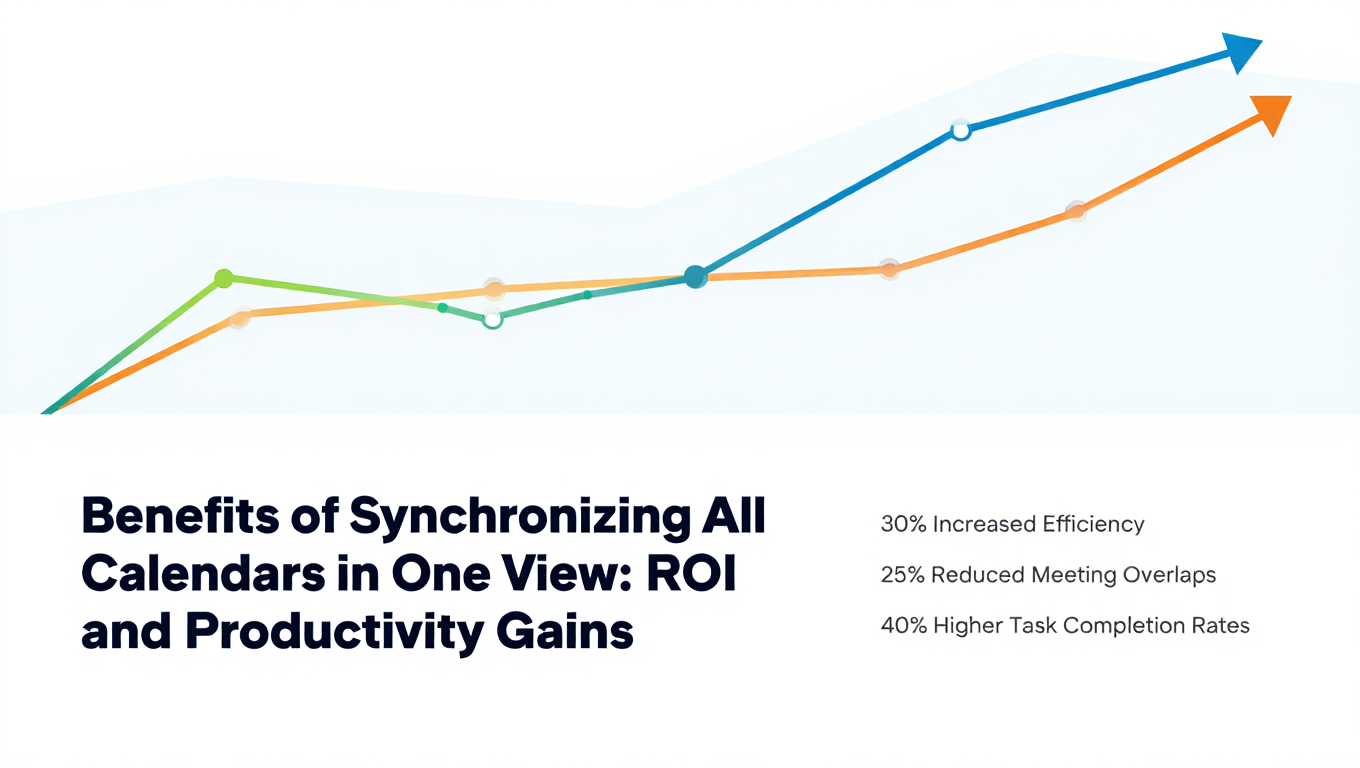
Benefits of Synchronizing All Calendars in One View: ROI and Productivity Gains
Discover the benefits of synchronizing all calendars in one view. See ROI data, productivity gains, reduced double bookings, and real-world business impact in 2025.
Best Bidirectional Calendar Sync Tools: 2025 Comparison Guide
Compare the best bidirectional calendar sync tools in 2025. Discover which platforms offer true two-way synchronization and which only provide one-way sync.
Best Two Way Calendar Sync Software: 2025 Expert Rankings & Comparison
Compare the top two-way calendar sync software tools. We tested 12 platforms for bidirectional sync speed, reliability, and field coverage to find which actually work.